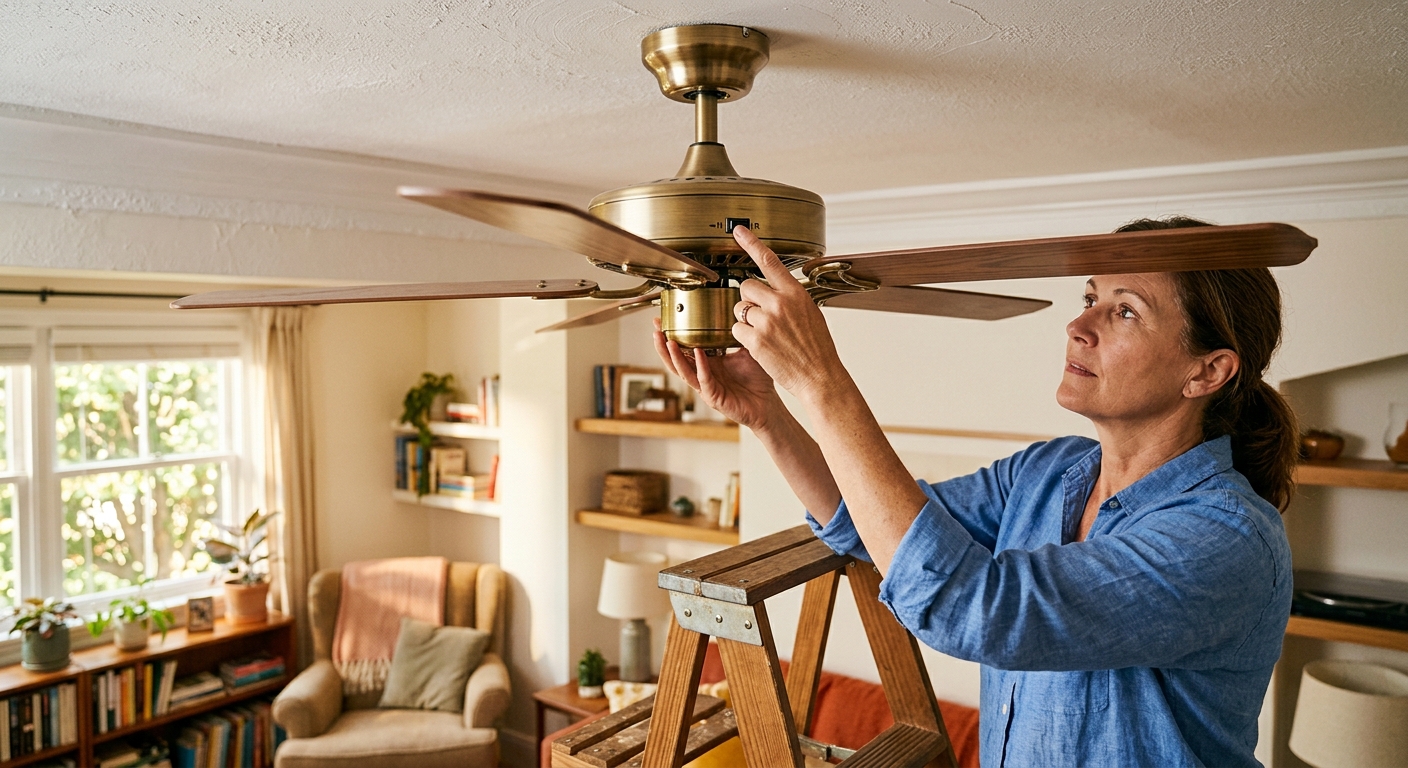
Ceiling fans are one of the most misunderstood appliances in a typical home. Walk into any neighborhood and you will find fans spinning in the wrong direction for the season, quietly working against the homeowner’s comfort goals and adding to their electricity bill. A fan running the wrong way in summer does not just fail to cool you – it can actually make a room feel warmer by disrupting the air stratification that naturally keeps cooler air near the floor.
The core issue is a small switch most homeowners have never touched. Every ceiling fan sold in the United States includes a direction toggle that reverses blade rotation, and each direction serves a completely different purpose. In summer, counterclockwise rotation pushes air straight down, creating a wind-chill effect that can make a 78°F room feel like 72°F. In winter, clockwise rotation at low speed pulls cool air up and gently pushes warm air down the walls – without the chilling effect that would defeat the purpose.
This post will show you exactly how to diagnose which direction your fan is spinning, what you should feel (or not feel) standing beneath it, how to flip the switch correctly for each season, and how to pair your fan settings with your thermostat for maximum savings. These are zero-cost and low-cost fixes that together can reduce cooling costs by 15 to 40% when done right.
What You’ll Need
Click on an item below to shop for the recommended items for this recipe on Amazon.
As an Amazon Associate, we earn from qualifying purchases.
How to Do It
- Stand directly beneath the fan while it is running on medium speed. If you feel a noticeable downward breeze on your skin, the fan is in summer mode (counterclockwise) – correct for May through September.
- If you feel little to no breeze standing below it, the fan is likely in winter mode (clockwise) – correct for October through April.
- Turn the fan off completely and wait for the blades to stop. Never flip the direction switch while blades are moving.
- Locate the small direction toggle switch on the motor housing, usually a slide switch on the side of the fan body. Slide it to the opposite position.
- Turn the fan back on. In summer, verify you feel a direct downward airflow. In winter, set speed to low and confirm you feel no direct draft standing below.
- Raise your thermostat setpoint by 4°F if running in summer mode. This is where the actual bill savings come from – the fan does not cool the air, it cools you.
- Check blade pitch by holding a protractor or angle-finder app against a blade. Optimal pitch is 12 to 15 degrees. Blades flatter than 10 degrees move very little air regardless of speed – a sign the fan may need replacement.
- Clean fan blades with a damp microfiber cloth. Dust buildup of even 1/8 inch on blade edges reduces airflow efficiency noticeably and can cause wobble that stresses the motor over time.
- Verify your fan is appropriately sized for the room: rooms up to 75 sq ft need a 29 to 36-inch fan, 76 to 144 sq ft need 36 to 42 inches, 144 to 225 sq ft need 44 inches, and rooms up to 400 sq ft need a 50 to 54-inch fan.
- Check the mounting height. Fan blades should hang 8 to 9 feet from the floor for best airflow. If your ceiling is 8 feet, use a flush-mount or hugger style. Fans mounted too high lose significant airflow effectiveness.
- Install a programmable or smart outlet timer ($15 to $30) on a bedside lamp as a reminder, or pair with a smart home routine so fans in unoccupied rooms turn off automatically. Every hour a fan runs in an empty room wastes 15 to 75 watts for zero benefit.
- Set a seasonal calendar reminder (April 1 and October 1) to flip all fan direction switches in your home so the habit becomes automatic.
Why It Works: The Benefits
Running your ceiling fan correctly and raising the thermostat 4°F can reduce air conditioning energy use by 15 to 40%, according to Department of Energy data. On a $150 summer cooling bill, that is $22 to $60 in monthly savings.
Correct fan use in winter eliminates the 5 to 10°F temperature difference between floor and ceiling, making rooms feel more evenly comfortable without increasing the thermostat setpoint.
When occupants feel cooler at the same thermostat setting, the AC cycles less frequently. Shorter, less frequent cycles reduce compressor wear and can extend HVAC system life by thousands of operating hours.
Proper fan operation reduces stale hot or cold pockets in corners and near ceilings, improving overall indoor comfort and reducing humidity perception in humid climates.
💰 Savings Impact by Action
Raising your AC setpoint from 74°F to 78°F while a fan runs saves approximately 8% per degree, totaling up to 32% on cooling costs for that room.
Switching from wrong to correct seasonal direction and adjusting the thermostat to match reduces seasonal HVAC energy use by 15% on average per the Department of Energy.
Using the clockwise low-speed setting in winter to recover stratified ceiling heat can reduce heating energy use by up to 10% in rooms with 8-foot or taller ceilings.
Turning fans off in unoccupied rooms eliminates wasted motor electricity and eliminates the small heat gain from running motors, saving 8% or more of total fan energy costs annually.
🏠 Key Concepts Explained
The Science Behind It
Ceiling fans work through two distinct physics mechanisms depending on direction. In counterclockwise (summer) mode, the angled blades act like a propeller, accelerating air downward in a focused column directly below the fan. This moving air increases the rate of convective heat transfer and evaporative cooling from your skin – the same principle that makes a 65°F windy day feel colder than a 65°F calm day. Research shows this effect can lower perceived temperature by 4 to 6°F, which is why ASHRAE and the DOE recommend raising cooling setpoints by that amount when fans are active.
In clockwise (winter) mode at low speed, the blade angle pulls room air upward through the center of the fan and redirects it outward along the ceiling, then down the walls. This gentle circulation disrupts the natural stratification that occurs when warm, less-dense air pools at ceiling level. In a typical 8-foot room on a cold day, ceiling air can be 5 to 10°F warmer than floor air. By mixing that layered air without creating a direct downdraft, the fan effectively recovers heat that would otherwise be wasted and distributes it to occupant level – allowing the thermostat to be set lower without sacrificing warmth.
The energy efficiency impact is real but depends entirely on occupant behavior. A ceiling fan motor consumes 15 to 75 watts depending on size and speed. A central air conditioner typically consumes 3,000 to 5,000 watts. If running the fan allows the AC to cycle off even 15 to 20 minutes per hour, the net savings far outweigh the fan’s own electrical draw. But if the fan runs in an empty room, that motor heat actually raises room temperature slightly, costing energy with no comfort return. This is why occupancy-dependent use is central to any ceiling fan efficiency strategy.
Frequently Asked Questions
▼ My fan is spinning counterclockwise but I still don’t feel any breeze underneath it. What’s wrong?
The most common causes are blade pitch that is too flat (less than 10 degrees) or a fan that is significantly undersized for the room. Stand directly under the fan at medium speed – if you feel nothing, measure your blade angle using a protractor or a level app against the blade face. If pitch is under 10 degrees or the fan is more than 10 years old with a sluggish motor, the unit likely needs replacement. A new fan in the right size range will make an immediately noticeable difference.
▼ Can I leave my ceiling fan running all day to save money on AC?
Only if people are in the room the entire time. Ceiling fans do not lower air temperature, so a fan running in an empty room adds a small amount of heat from the motor and costs 15 to 75 watts with zero comfort benefit. The energy-smart habit is to turn fans on when you enter a room and off when you leave – pair this with raising your thermostat to 78°F while occupied, and you get genuine savings.
▼ I flipped the direction switch but my fan seems to be running the same way. Did something break?
Make sure you turned the fan completely off and waited for the blades to stop before flipping the switch – switching while moving can damage the reverse mechanism without actually changing direction. After flipping, turn the fan back on and watch the blade tips from the side: in summer mode they should move counterclockwise (leading edge tilts down as they pass you). If direction still has not changed, the internal switch contacts may be worn and the fan may need servicing or replacement.
▼ My fan wobbles. Is that a direction problem or something else?
Wobble is almost never caused by direction – it is typically from unbalanced blades due to dust accumulation, a warped blade, loose blade brackets, or a loose canopy at the ceiling. Clean all blades evenly, check that each blade bracket screw is tight, and use a balancing kit (usually included with the fan or available for under $5) to add small clip weights to wobbling blades. Persistent wobble after those steps suggests a bent blade arm that should be replaced.
▼ Does ceiling fan direction matter in a room with good cross-ventilation from open windows?
Less so in summer, since cross-ventilation already moves air across your skin effectively. However, you can still use the fan to direct airflow toward the side of the room where you are seated. In winter with windows closed, the clockwise destratification benefit remains fully relevant since stratification occurs regardless of how well-ventilated the room is during warmer months.
Quick Tips
- Label each fan’s direction switch with a piece of tape marked ‘Summer’ and ‘Winter’ so anyone in the household can make the seasonal change correctly.
- Run ceiling fans only on the lowest speed that creates a comfortable breeze – higher speeds use disproportionately more electricity and create unnecessary noise.
- In rooms with cathedral or vaulted ceilings taller than 10 feet, the winter clockwise setting is especially valuable since stratification is more extreme in tall spaces.
- If your fan has a remote or wall control with a timer function, use it to auto-shut off after 2 to 4 hours so fans do not run overnight in rooms you have left.
Variations for Your Situation
- Apartment/Rental: Renters can absolutely do the direction flip since it requires no tools and no modifications. If your unit has a pull-chain fan without a wall switch, use the chain to cycle power off, wait for blades to stop, flip the side switch on the motor housing, then pull the chain again. If the fan has no direction switch (common on very old or cheap builder fans), focus on running it only in summer counterclockwise mode for cooling and simply turn it off in winter rather than trying to use it for heat destratification.
- Tight Budget (under $50): The direction flip is completely free and is the single highest-return action covered here. Combine it with the thermostat raise to 78°F (also free) and set a phone reminder to turn fans off when leaving rooms. If you want one paid upgrade, a $15 to $20 smart plug with scheduling lets you automate fan shutoff so you never waste electricity on an empty room.
- Older Home (pre-1980): Older homes often have original fans with blade pitches worn flat over decades, or motors that have slowed significantly with age. If your fan is more than 20 years old and you feel minimal airflow even on high, replacement is likely more cost-effective than optimization. Modern ENERGY STAR certified fans move up to 20% more air per watt than fans from the 1990s. Also verify your fan is mounted to a fan-rated electrical box – older homes frequently have standard light fixture boxes that are not rated for the dynamic load of a spinning fan.