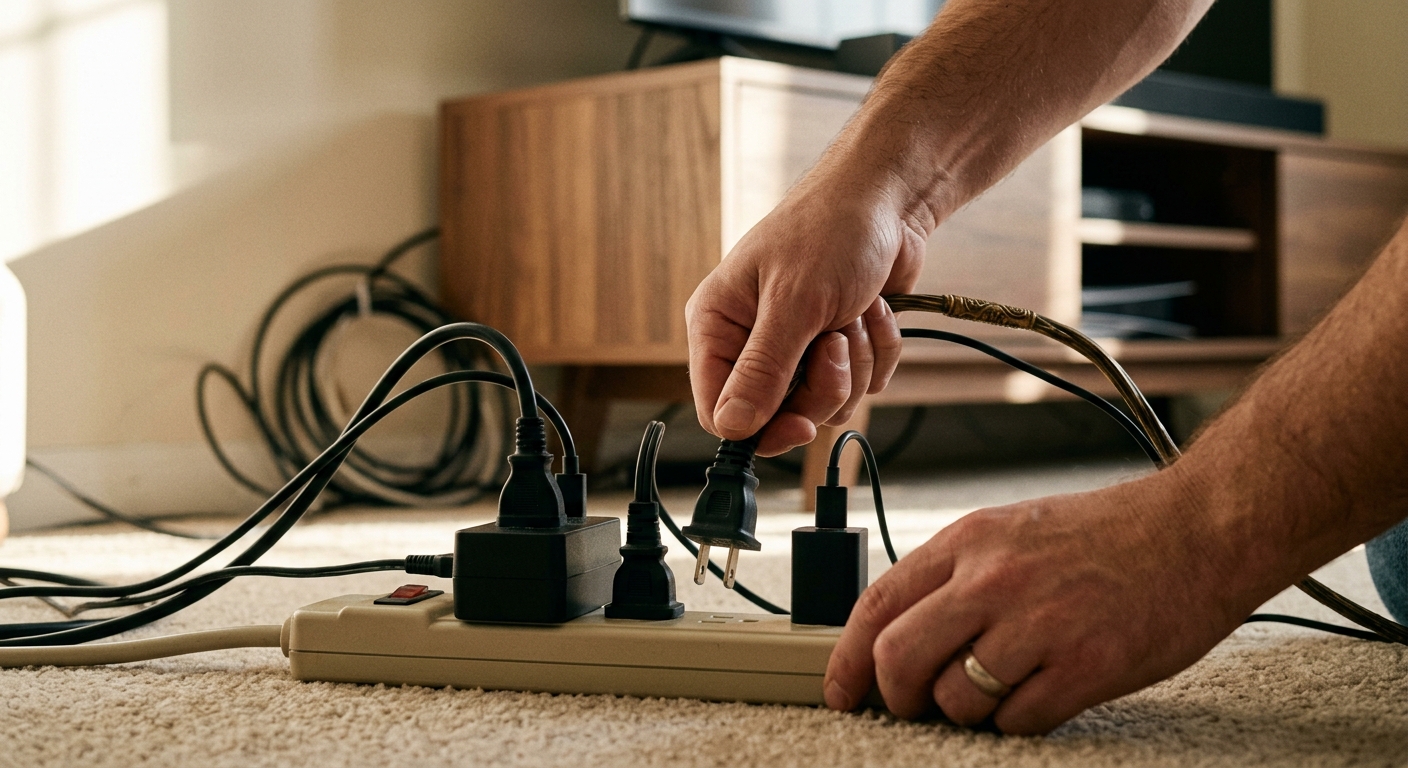
Your television is off. Your phone charger has no phone attached. Your microwave is just sitting there, displaying the time. None of these seem like a problem, yet each one is pulling electricity from your wall right now, every hour of every day. This silent drain is called phantom load, standby power, or vampire energy, and the U.S. Department of Energy estimates it accounts for roughly 5 to 10 percent of a typical household’s annual electricity use.
For most homeowners, that translates to $100 to $200 per year in wasted electricity, money that funds absolutely nothing useful in your home. The frustrating part is that the fix is almost entirely free or costs only a few dollars upfront. Understanding which devices are the worst offenders and knowing a few simple strategies to cut them off can eliminate most of that waste within a weekend.
This post breaks down exactly what phantom loads are, which appliances are costing you the most, and two practical approaches to cutting your standby power waste, ranging from a no-cost habit change to a smart power strip setup that automates the whole process. We include real wattage numbers, payback periods, and troubleshooting advice so you can make decisions that actually show up on your electric bill.
What You’ll Need
Click on an item below to shop for the recommended items for this recipe on Amazon.
As an Amazon Associate, we earn from qualifying purchases.
How to Do It
- Walk through every room and identify devices that are plugged in but used infrequently, including guest room TVs, secondary chargers, countertop appliances like toasters and coffee makers, and spare lamps.
- Unplug any device you use fewer than once per day. For appliances you use daily but not continuously, get into the habit of unplugging after each use, especially chargers, which draw power even when no device is attached.
- Identify your home entertainment cluster and your home office cluster. These two areas typically account for 50 percent or more of all standby waste in a home. Turn off the power strip or surge protector serving each cluster when those areas are not in use.
- Check your microwave, cable box, and satellite receiver. Cable and satellite boxes are among the worst offenders, drawing 15 to 30 watts around the clock. If your provider allows it, enable the energy-saving or low-power standby mode in the device settings.
- Place a small reminder, like a sticky note or a labeled switch cover, near high-offender outlets or strips so household members remember to cut power when leaving the room or going to bed.
- Use a kill-a-watt meter or smart plug with energy monitoring to measure the actual standby draw of your five to ten biggest suspected offenders. Record the wattage for each device in standby mode. This gives you real data to prioritize.
- For your home entertainment center, install an advanced power strip with a master outlet. Plug your TV into the master outlet and your secondary devices like the soundbar, gaming console, streaming stick, and Blu-ray player into the controlled outlets. When the TV turns off, the strip cuts power to everything else automatically.
- For your home office, plug your desktop computer into the master outlet of a second advanced power strip and connect your monitor, desk lamp, printer, and USB hub to the controlled outlets. Standby waste from a home office setup can reach $40 to $60 per year and this eliminates most of it.
- Replace standard plugs for your five worst standby offenders with individual smart plugs. Use the companion app to set a schedule, for example, cutting power to your TV between midnight and 6 a.m., or automating the coffee maker to power down 30 minutes after your usual morning routine.
- For devices that must remain on, such as your router, refrigerator, or security system, leave those on a standard outlet. Do not cut power to refrigerators, smart home hubs, or medical devices.
- After 30 days, review your electric bill or check your smart meter app. Most homeowners see a 5 to 10 percent reduction in total electricity use after completing this step, which at average U.S. rates translates to $10 to $20 off that month’s bill.
Why It Works: The Benefits
Eliminating standby waste across a typical home saves $8 to $17 per month, or $100 to $200 per year, with no reduction in comfort or functionality.
Simply unplugging devices you rarely use or using existing power strips to cut power costs nothing and begins saving money the same day.
Standby devices generate low-level heat continuously. In summer, this adds to your cooling load, so eliminating standby power can slightly reduce AC runtime and costs as well.
Electronics that are fully powered down rather than held in standby experience less cumulative thermal stress, which can extend their operational lifespan by reducing component degradation over time.
The Lawrence Berkeley National Laboratory estimates U.S. standby power consumption totals roughly 50 large power plants worth of electricity nationally. Cutting your household share is a measurable emissions reduction.
💰 Savings Impact by Action
Home theater and gaming setups account for up to 45 percent of total household phantom load and are the single highest-impact area to address.
Installing advanced power strips on entertainment and office clusters reduces total household electricity use by roughly 5 to 10 percent annually.
Unplugging phone, tablet, and laptop chargers when not in use eliminates a small but real 3 to 5 percent share of standby waste with zero cost.
Enabling low-power standby on a cable or satellite box cuts that device’s continuous draw by 50 to 75 percent, saving up to $30 per year on that device alone.
Scheduling smart plugs to cut power overnight for 6 to 8 hours reduces device operating time by 25 to 33 percent, saving 5 to 7 percent on affected device costs.
🏠 Key Concepts Explained
The Science Behind It
Phantom loads exist because most modern electronics are designed for convenience, not efficiency. When you press the power button on a TV or gaming console, the device does not actually disconnect from the electrical circuit. Instead, it enters a low-power listening state, waiting for a remote signal, maintaining an internal clock, or keeping network connections warm so it can resume quickly. This requires a small but constant trickle of current, typically between 0.5 and 25 watts depending on the device.
The physics behind the waste is straightforward. Power, measured in watts, multiplied by time, measured in hours, gives you watt-hours of energy consumed. A device drawing 10 watts for 24 hours uses 240 watt-hours, or 0.24 kilowatt-hours, per day. Over a year, that single device consumes about 87.6 kilowatt-hours. At 16 cents per kilowatt-hour, that is roughly $14 per year for one device doing nothing useful. Multiply that across 10 to 15 standby devices in a typical home and the annual cost climbs quickly into the $100 to $200 range.
Wall adapters and power supplies add another layer of inefficiency. These transformers use magnetic cores to step voltage down, and the conversion process generates heat as a byproduct, a direct sign of energy being lost. Even an unloaded charger with no device attached can draw 0.1 to 0.5 watts simply because its transformer core is energized by the AC circuit. This is why unplugging chargers when not in use, not just turning off a device, is the only way to fully eliminate their draw.
Frequently Asked Questions
▼ How do I know which devices are actually costing me the most in standby power?
Plug a Kill-A-Watt meter between the device and the outlet and check the wattage reading while the device is in its off or standby state. Entertainment systems, cable boxes, gaming consoles, and older desktop computers are almost always the top offenders. Any device drawing more than 5 watts in standby is worth addressing immediately.
▼ Will using a power strip void my device warranties or harm my electronics?
Cutting power fully to most consumer electronics is actually gentler on components than leaving them in a continuous standby state. The only exception is devices that need to complete a shutdown process, such as desktop computers or network-attached storage drives. Always shut these down through their software first before cutting power at the strip.
▼ I unplugged things and used smart strips but my bill barely changed. What am I missing?
Check whether your cable or satellite box, electric water heater, older second refrigerator, or space heater is the real culprit. These high-draw appliances can dwarf phantom load savings if left unaddressed. Also verify your utility bill covers a full 30-day period after changes, since billing cycles often span two different months and can obscure short-term savings.
▼ Can renters eliminate phantom loads without making any changes to the apartment?
Yes, fully. Smart plugs, advanced power strips, and manual unplugging require no modifications to the unit and can all be taken with you when you move. Renters can realistically capture 80 to 90 percent of the same savings as homeowners using only portable plug-in solutions.
▼ Does my router need to stay on all the time or can I put it on a timer?
Your router can safely be powered off overnight using a smart plug schedule without any harm to the device or your service. Many households save an additional $5 to $8 per year this way. The tradeoff is that smart home devices, security cameras, and overnight downloads will not function during that window, so assess whether that works for your household before scheduling it.
Quick Tips
- The three highest-impact areas in most homes are the home entertainment center, the home office, and kitchen countertop appliances. Focus your effort there first before addressing lower-draw items.
- A Kill-A-Watt meter costs $20 to $30 and pays for itself in one week if you use it to identify and eliminate your top three standby offenders. It is the most useful diagnostic tool for energy waste in any home.
- Older electronics made before 2013 often have dramatically higher standby draws than newer ENERGY STAR certified models. If you have a TV or game console more than 10 years old, replacing it can cut that device’s annual operating cost by 30 to 50 percent.
- Set your smart plugs to cut power overnight between midnight and 5 a.m. Most households do not use entertainment or office devices during these hours, capturing 5 hours of waste-free savings every single day without changing any daytime habits.
Variations for Your Situation
- Apartment/Rental: Renters cannot modify outlets or wiring, but smart plugs and advanced power strips are fully portable and require no installation. Focus on your entertainment cluster and phone and laptop chargers first. A $15 smart plug on your TV setup alone can save $30 to $50 per year, and you take the equipment with you when you move.
- Tight Budget (under $50): Skip the smart plugs and start with zero-cost actions. Unplug all chargers when not in use, turn off the power strip on your TV stand every night, and enable the low-power standby setting on your cable box. These three free steps alone can recover $60 to $100 per year. If you have $15 to spend, a single advanced power strip for your entertainment center is the highest-return purchase available.
- Older Home (pre-1980): Older homes often have two-prong outlets without grounding, which limits the smart plug and advanced strip options available to you. Focus on manual unplugging and look for two-prong compatible smart plugs, which do exist. Also prioritize replacing any electronics more than 15 years old since their standby draws can be 3 to 5 times higher than current ENERGY STAR models, making replacement a financially sound decision within 2 to 3 years.