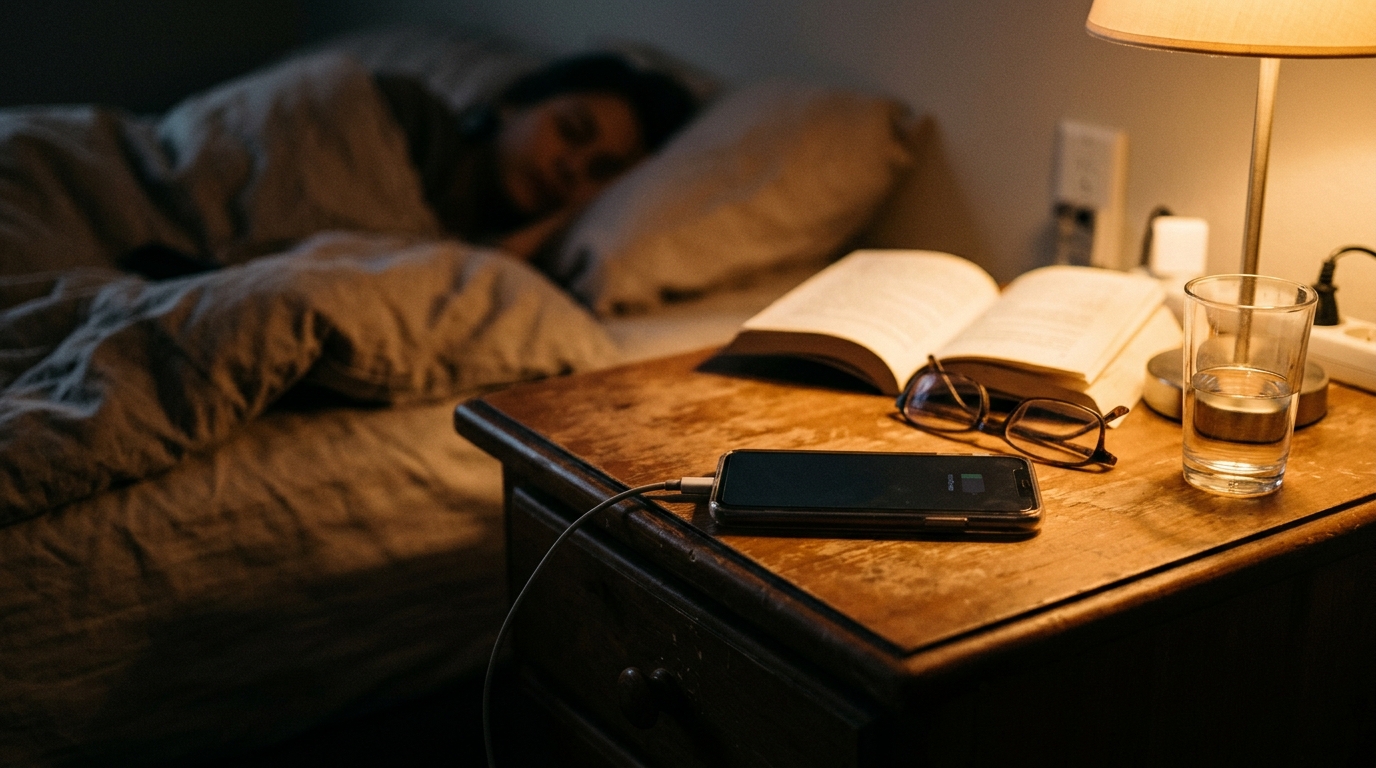
Plenty of people still believe that leaving a phone on the charger overnight is a costly habit. It sounds reasonable: the charger is plugged in for eight hours, so surely it is pulling power the whole time. In reality, a smartphone draws roughly 5 to 20 watts while actively charging and only a fraction of a watt once the battery is full. Over a full year of nightly charging, a typical phone adds about $1 to $3 to your electric bill at the U.S. average rate of roughly 16 cents per kilowatt-hour.
That does not mean the charging station is free of waste. The real energy leaks tend to come from old, inefficient chargers, power strips that stay energized all day, and a pile of devices that each sip a little standby power. Added together, these “phantom loads” can account for 5 to 10 percent of a home’s electricity use, according to the Department of Energy.
This post breaks down what overnight charging really costs, which habits are worth changing, and two practical ways to tighten up your charging setup: a no-cost quick fix you can do tonight, and a low-cost DIY upgrade that automates the savings. If you want to cut waste without giving up convenience, you are in the right place.
What You’ll Need
Click on an item below to shop for the recommended items for this recipe on Amazon.
As an Amazon Associate, we earn from qualifying purchases.
How to Do It
- Walk through your home and unplug any charger that has no device attached, including old phone cubes, spare laptop bricks, and unused USB adapters.
- Pick one charging station, such as a nightstand or kitchen counter, and keep chargers only there so you can see everything that draws power.
- Charge devices on a hard, cool surface instead of under pillows, blankets, or in direct sunlight to reduce heat buildup.
- Unplug fully charged devices when you notice them, and get in the habit of pulling the charger from the wall when you take your phone off it.
- Check your utility’s rate plan to see if you have off-peak pricing, and shift laptop or e-bike charging to the cheapest overnight window.
- Buy a switched power strip or a smart plug with scheduling, available for roughly $8 to $20 each, and plug your charging station into it.
- Set a schedule so the strip powers on in the evening and shuts off after 6 to 7 hours, long enough for a full charge but short enough to cut idle draw.
- Replace any charger older than five years with a modern, efficient GaN or ENERGY STAR certified model, typically $15 to $30, to cut conversion losses.
- Use a plug-in watt meter, about $15 to $25, to measure what your charging station actually draws at idle and during charging, so you target real waste.
- Group entertainment and office electronics onto a second advanced power strip with an auto-shutoff feature to catch larger standby loads like TVs and game consoles.
- Install smart plugs or a smart power strip at each major cluster: the home office, the entertainment center, and the bedside charging area.
- Use your utility’s app or a smart plug’s energy monitoring feature to identify the top three standby offenders in your home.
- If you charge an e-bike, scooter, or EV with a Level 1 or Level 2 charger, schedule it through the charger’s app to run only during off-peak hours.
- Consider USB wall outlets, around $20 to $40 each, in the rooms where you charge most, which are more efficient than plugging in separate adapters.
- Review your electric bill quarterly to confirm the drop in baseline overnight usage, adjusting schedules as your device list changes.
Why It Works: The Benefits
A phone costs about $1 to $3 per year to charge nightly, and a tablet about $2 to $4. You can drop the guilt and focus on the bigger savings opportunities.
Cutting phantom loads from idle chargers and electronics can trim 3 to 8 percent from your annual electricity use, often $10 to $40 depending on how many devices you have.
On time-of-use plans, charging overnight can cost 30 to 50 percent less per kilowatt-hour than charging during evening peak hours.
Better charging habits and cooler placement can extend battery health by a year or more, delaying a $100 to $400 device replacement.
Consolidating chargers onto one switched strip reduces cord clutter and lowers the risk of overheated, overloaded outlets.
💰 Savings Impact by Action
Eliminating idle chargers and switching off power strips reduces phantom load by about 5 to 10 percent of a home’s electricity use.
Swapping old, inefficient adapters for modern GaN or ENERGY STAR chargers can cut conversion losses by 10 to 20 percent per device.
On time-of-use plans, moving higher-wattage charging to overnight hours can reduce the per-kWh cost of that charging by 30 to 50 percent.
Timed smart plugs that cut power after a full charge remove roughly 15 to 25 percent of the idle energy a charging station would otherwise draw.
🏠 Key Concepts Explained
The Science Behind It
Electricity cost is straightforward math: watts multiplied by hours, divided by 1,000, gives kilowatt-hours, which you multiply by your rate. A typical phone charger delivers about 10 to 20 watts while the battery is filling. A phone usually reaches full charge in 1.5 to 2.5 hours, so the actual energy used is roughly 0.02 to 0.05 kWh per night, which is a fraction of a cent to about 1 cent. Over 365 nights, that lands in the $1 to $3 range.
Modern lithium-ion batteries use a charge controller that tapers current as the battery nears 100 percent. Once full, the phone stops drawing meaningful power from the charger, and the charger itself falls into a low-power idle state. This is why the popular fear of overcharging a phone is largely outdated. Software and battery management chips prevent real overcharging.
The more important losses happen in the conversion step and in standby. Chargers convert 120-volt AC to a low-voltage DC output, and that conversion produces waste heat. Older linear adapters can be 50 to 60 percent efficient, while modern switching and GaN chargers reach 85 to 95 percent. Add in idle draw from chargers that stay plugged in, and the real opportunity is eliminating the small continuous leaks rather than worrying about the nightly charge itself.
Frequently Asked Questions
▼ Does leaving my phone plugged in all night damage the battery?
Not significantly on modern phones. Battery management chips stop charging at 100 percent, though heat is the real concern. Keep the phone on a cool, hard surface, and enable optimized or adaptive charging in your phone settings, which holds the charge near 80 percent until shortly before you wake up.
▼ How much does it really cost to charge a phone every night for a year?
Typically $1 to $3 per year at an average rate of about 16 cents per kilowatt-hour. A tablet runs around $2 to $4, and a laptop about $4 to $10. Check your own rate on your bill and multiply it by the device’s yearly kilowatt-hours for a personal number.
▼ Are chargers with no device attached really using electricity?
Yes, but very little: usually 0.1 to 0.5 watts per adapter. One idle charger costs well under a dollar per year, but ten of them can add up to a few dollars. Unplugging them or using a switched strip is an easy, free improvement.
▼ Can renters use these tips without landlord permission?
Absolutely. Switched power strips, smart plugs, and efficient chargers all plug into existing outlets and require no modifications. You can take them with you when you move, which makes this one of the best renter-friendly efficiency upgrades.
▼ How long before I notice savings on my electric bill?
Phone charging savings alone are small, so you may not see a dramatic change. Standby reductions across your whole home typically show up as a $1 to $4 monthly drop within one or two billing cycles. A plug-in watt meter will confirm the savings immediately.
Quick Tips
- Charge phones and tablets on a hard surface in a cool room to protect battery health and avoid heat buildup.
- Use one multi-port USB-C charger instead of four separate adapters to reduce conversion losses and standby draw.
- Check whether your utility offers a time-of-use rate and schedule laptop, e-bike, and power tool charging for off-peak hours.
- Label power strips with what is plugged into them so household members know which one controls the charging station.
- Replace frayed cables right away, since damaged cords can waste energy and create a safety risk.
Variations for Your Situation
- Apartment/Rental: Stick to plug-in solutions that need no installation. A $10 to $15 switched power strip for the bedside or desk charging area and a $12 to $20 smart plug cover nearly everything, and both go with you when you move.
- Tight Budget (under $20): Skip purchases entirely. Consolidate chargers to one spot, unplug adapters with nothing attached, charge on a cool hard surface, and use your phone’s built-in optimized charging setting. If you can spare $10, one switched power strip captures most of the remaining standby savings.
- Older Home (pre-1980): Older homes often have fewer outlets, leading to overloaded power strips and extension cords. Choose a single quality surge-protected strip rated for the load, avoid daisy-chaining, and consider adding USB outlets in high-use rooms. Have a professional check any outlet that feels warm or sparks.
- Time-of-Use Rate Plan: If your utility has off-peak pricing, schedule laptop, e-bike, and EV charging for the overnight window using smart plugs or the charger’s app. Off-peak rates can run 30 to 50 percent cheaper, which matters most for higher-wattage devices.