If you installed a smart thermostat and left it on the default schedule, you are probably leaving money and sleep on the table. Out of the box, most devices assume a simple pattern: comfortable all day, slightly setback overnight. That pattern ignores how your body actually regulates temperature during sleep and how your HVAC system responds to big temperature swings.
Your core body temperature naturally drops about one to two degrees Fahrenheit as you fall asleep, and sleep researchers consistently find that bedrooms between roughly 60 and 67 degrees support the deepest rest for most adults. At the same time, the U.S. Department of Energy estimates you can save up to 10 percent a year on heating and cooling by adjusting your thermostat 7 to 10 degrees from its normal setting for eight hours a day. Sleeping hours are the perfect window to capture both benefits at once.
This post walks through a proven four-phase daily schedule, a quick way to set it up in 15 minutes, a more advanced DIY version that uses sensors, geofencing, and pre-conditioning, and what to do when the schedule does not seem to work. You will also find variations for apartments, tight budgets, and older homes.
What You’ll Need
Click on an item below to shop for the recommended items for this recipe on Amazon.
As an Amazon Associate, we earn from qualifying purchases.
How to Do It
- Open your thermostat app or on-device menu and delete or disable the default schedule so you are starting clean.
- Set a Wake phase starting 45 minutes before your alarm: 68 to 70 degrees in winter, 76 to 78 degrees in summer. This is your recovery ramp.
- Set an Away phase beginning when the last person leaves: 62 to 65 degrees in winter, 82 to 85 degrees in summer. Set it to start 15 minutes after your typical departure time.
- Set a Return phase starting 45 to 60 minutes before you arrive home: back to 68 to 70 degrees in winter, 76 to 78 degrees in summer.
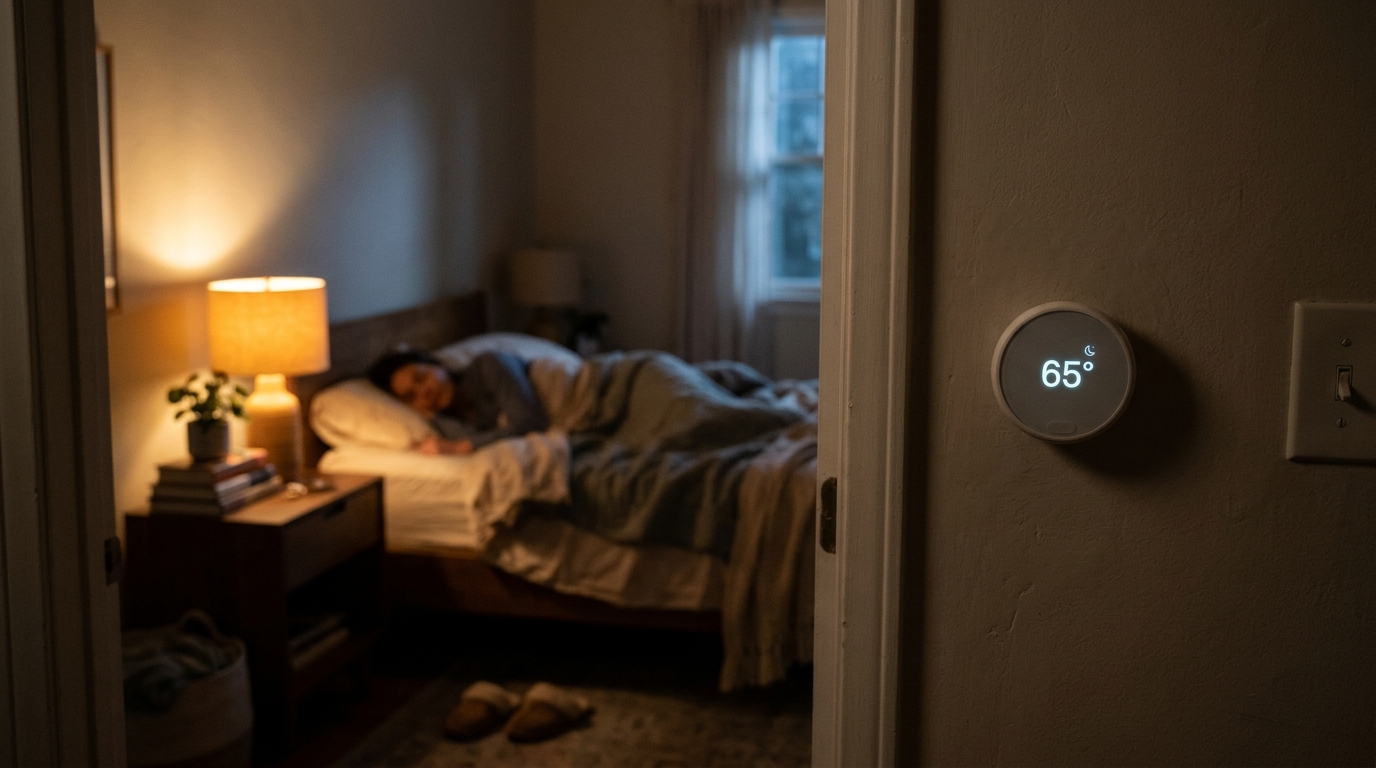
- Set a Sleep phase beginning about 30 minutes before bed: 62 to 66 degrees in winter, 72 to 76 degrees in summer. Summer sleep targets are higher because cooling to 65 is rarely cost-effective, so use a ceiling fan to feel 4 degrees cooler.
- Run this schedule for one full week, then adjust any phase by 1 degree if you wake too warm or too cold.
- Install an ENERGY STAR certified smart thermostat if you do not have one. Turn off power at the breaker, photograph your old wiring, label each wire, and follow the manufacturer’s guide. Confirm you have a C-wire or use the included power adapter.
- Place a remote room sensor in the bedroom, on a nightstand or bookshelf away from vents and direct sunlight, and set the thermostat to follow the bedroom sensor from bedtime until wake-up.
- Enable geofencing or phone-based presence detection so the Away phase triggers automatically when everyone leaves, replacing fixed times that fail on irregular days.
- Turn on the thermostat’s learning or early-start feature so it calculates exactly how long recovery takes at different outdoor temperatures and starts ramping at the right moment.
- Create a Weekend profile with a later wake ramp and a shorter or removed Away phase, since the household rhythm is different.
- After two weeks, review the energy report in the app. Look at runtime hours per day and compare to the same period last year to confirm the schedule is saving, and tweak setbacks by 1 to 2 degrees if needed.
- Schedule an HVAC tune-up so a technician can verify airflow, refrigerant charge, and burner or compressor performance. A system that cannot recover quickly undermines any setback strategy.
- Ask the technician to confirm your thermostat settings match your equipment type, especially for heat pumps, multi-stage furnaces, and variable-speed systems.
- If your bedrooms are far from the thermostat or on a different floor, ask about adding a zone damper or ductless mini-split so the sleeping area can run its own sleep schedule.
- Request a duct leakage test. Leaky ducts can waste 20 to 30 percent of conditioned air and make recovery slow no matter how smart your schedule is.
Why It Works: The Benefits
Combining a nighttime setback and a daytime away setback typically saves 8 to 15 percent annually. On a $2,000 yearly HVAC spend, that is $160 to $300 back in your pocket.
Holding the bedroom in the 60 to 67 degree range supports your natural temperature drop. Many people report falling asleep faster and waking less often within the first week.
Fewer hours of heavy operation means less cycling stress on compressors, blower motors, and igniters, which can help extend equipment life.
A pre-wake recovery ramp means the house reaches 68 to 70 degrees right as your alarm goes off, without heating or cooling to that level all night.
With the system cycling less overnight, you hear fewer blower and compressor starts, which matters if you are a light sleeper.
💰 Savings Impact by Action
Lowering the setpoint 4 to 7 degrees for eight overnight hours typically saves 5 to 10 percent on annual heating costs.
Adding a daytime away setback captures another 5 to 8 percent by not conditioning an empty home.
Learning-based recovery avoids overshoot and wasted runtime, adding roughly 2 to 4 percent.
Automatic presence detection catches irregular schedules and cuts unnecessary comfort-mode hours by 3 to 5 percent.
A full four-phase schedule with smart features commonly delivers 10 to 15 percent annual savings depending on climate and home efficiency.
🏠 Key Concepts Explained
The Science Behind It
Heat always moves from warm to cool, and the rate depends on the temperature difference between inside and outside. When you lower your thermostat setpoint at night in winter, the temperature gap between your home and the outdoors shrinks, so the building envelope loses heat more slowly. The same principle applies in summer in reverse: raising the setpoint reduces the gap between hot outdoor air and your interior. This is why the DOE’s rule of thumb is about 1 percent savings per degree of setback over eight hours.
A common myth is that your system uses more energy to reheat a house than it saved by letting it drift. In reality, the energy needed to recover is less than the energy you avoided losing during the setback, because heat loss slows as the house cools. The exceptions are heat pumps with poor recovery logic and radiant floor heating, which respond slowly and need gentler schedules.
On the sleep side, your body sheds heat through your skin and extremities as you drift off. A cooler room makes that easier, which is why many sleep studies point to a 60 to 67 degree window as ideal for most adults. Layering the energy logic on top of the sleep science gives you a schedule where comfort and savings reinforce each other instead of competing.
Frequently Asked Questions
▼ Why is my AC still running all day even after I set up the schedule?
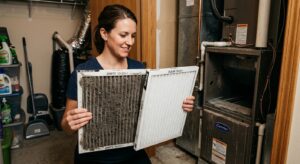
Check that your Away setpoint is actually warm enough (82 to 85 degrees) and that geofencing or the schedule is triggering correctly in the app history. Also verify your filter is clean and your attic or windows are not letting in excess heat, since a house that gains heat quickly will keep the system running regardless of schedule.
▼ Can renters do this without landlord permission?
Yes. Many smart thermostats can be installed and swapped back to the original before move-out, but check your lease first. If you cannot change the thermostat at all, use a plug-in smart thermostat for window AC units or portable heaters, or use smart plugs and a ceiling fan to improve comfort without touching the wall unit.
▼ How long before I actually notice savings on my bill?
You will usually see a trend within one full billing cycle, but compare against the same month last year, or normalize for weather using heating and cooling degree days. Most households see 5 to 8 percent in the first month and reach 10 to 15 percent once schedules are fine-tuned.
▼ What if my heat pump keeps turning on auxiliary heat in the morning?
Reduce your overnight setback to 2 degrees or less and enable your thermostat’s heat pump recovery setting if it has one. You can also start the recovery ramp earlier, by 1 to 2 hours, so the system climbs gradually using the efficient compressor instead of the electric strips.
▼ What if my home is older than 30 years?
Older homes lose heat faster, so setbacks save slightly more but recovery takes longer. Add 20 to 30 minutes to your pre-wake ramp and consider air sealing and attic insulation first, which often delivers a better return than any thermostat change alone.
Quick Tips
- Use a ceiling fan on low in summer to feel about 4 degrees cooler, which lets you keep the thermostat higher and still sleep comfortably.
- Place your bedroom sensor at mattress height, not on a high shelf, so it measures the air you actually sleep in.
- Use breathable bedding and layers so you can adjust comfort without touching the thermostat.
- Check your thermostat’s energy report monthly and compare runtime hours to the same month last year to verify real savings.
Variations for Your Situation
- Apartment/Rental: Use a rental-friendly smart thermostat that installs without permanent changes, or if you cannot swap the wall unit, use a smart plug on a window AC or space heater plus a $20 to $40 ceiling or tower fan for sleep comfort. Block window drafts with removable weatherstripping and keep blinds closed during the day.
- Tight Budget (under $50): Use your existing programmable thermostat and set the four-phase schedule manually for free. Add a $15 to $25 pack of removable weatherstripping and a $10 to $20 outlet and switch gasket kit to reduce drafts, and use warm bedding in winter instead of raising the heat.
- Older Home (pre-1980): Expect faster heat loss and slower recovery, so extend your pre-wake ramp to 60 to 90 minutes and keep setbacks to 4 to 5 degrees. Prioritize attic insulation to R-38 or higher and air sealing around the attic hatch, rim joists, and window frames, which can improve the schedule’s results by 5 to 10 percentage points.