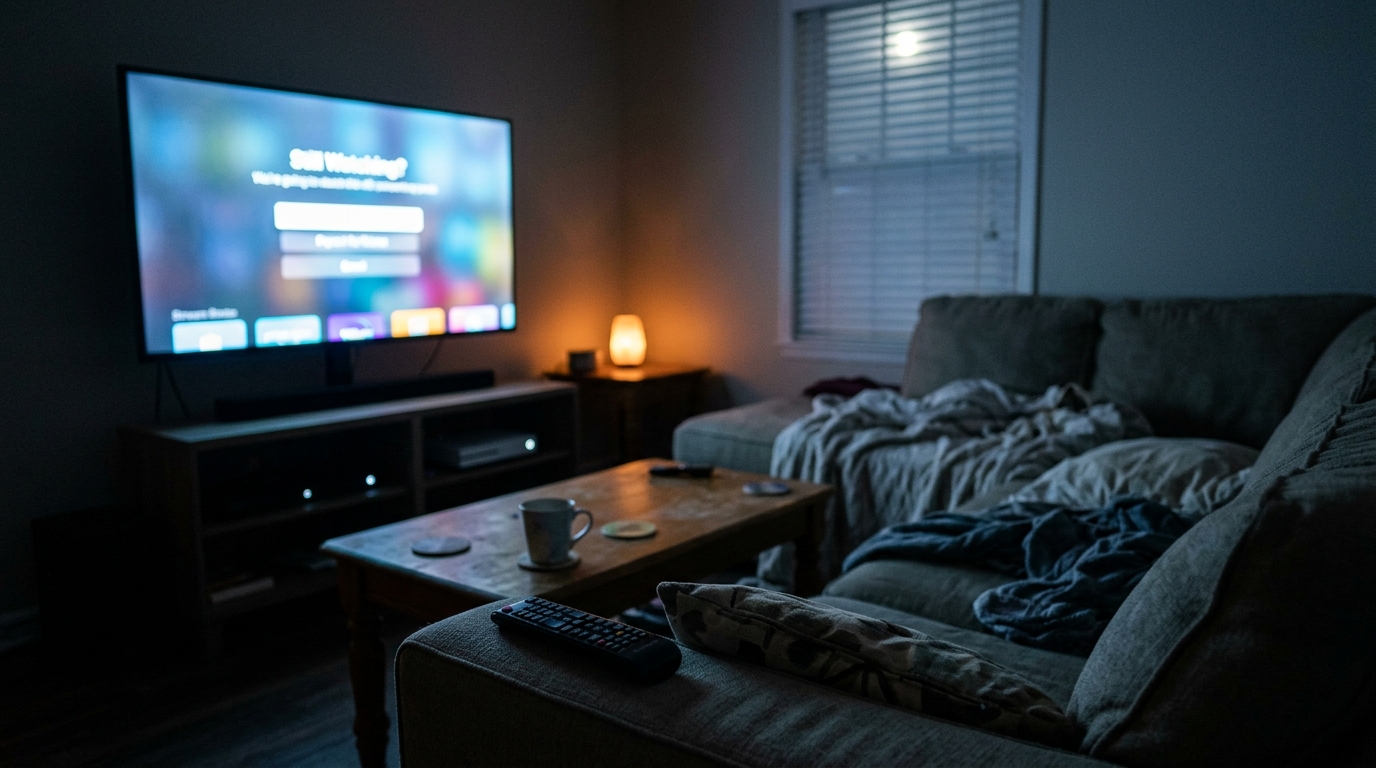
Most of us treat the TV and its attached gadgets the way we treat the refrigerator light: if it looks off, it must be off. But the little glowing LED on your streaming stick or the standby light on your smart TV tells a different story. Many modern devices never truly power down. They stay connected to Wi-Fi, listen for voice commands, download updates, and keep their processors warm so they can wake up instantly in the morning.
Individually, each device sips a small amount of power. Together, they add up. The U.S. Department of Energy estimates that standby power, sometimes called phantom or vampire load, accounts for roughly 5 to 10 percent of residential electricity use. A typical living room entertainment center with a smart TV, a streaming box, a soundbar, and a game console can easily pull 20 to 60 watts around the clock, even when nobody is watching a thing.
In this post, we will break down exactly how much that overnight draw costs, why some devices are far worse than others, and how to shut down the waste with two approaches: a zero-cost settings fix you can finish in 15 minutes, and a small DIY upgrade using smart power strips that automates the whole process.
What You’ll Need
Click on an item below to shop for the recommended items for this recipe on Amazon.
As an Amazon Associate, we earn from qualifying purchases.
How to Do It
- On your smart TV, open Settings and turn off Quick Start, Instant On, or Fast Boot. On Samsung this is often under General > Power and Energy Saving; on LG look for Quick Start+ under General.
- Disable features you do not use, such as voice wake-word listening, motion-detection backlight, and ambient or art mode that keeps the screen active.
- On your streaming box or stick, set the sleep or screensaver timer to the shortest option, typically 5 to 15 minutes, and enable auto power-off if available.
- On game consoles, change the power mode from Rest Mode or Sleep to full Shut Down, and turn off automatic downloads while the console is off. On PlayStation and Xbox these are in the Power and Energy Saving menus.
- Enable the sleep timer on your TV so it powers down after 2 to 4 hours of inactivity, which catches the case where you fall asleep in front of it.
- Unplug your TV, soundbar, streaming device, and game console, and note which ones you want fully off at night.
- Plug a controlling device, usually the TV, into the master outlet of an advanced power strip. Plug the soundbar, streaming box, and console into the controlled outlets. When the TV powers down, the strip cuts power to everything else.
- If you prefer scheduling over load sensing, use a smart plug or timer strip and program it to cut power from about 11 p.m. to 6 a.m., or whenever your household is asleep.
- Leave one always-on outlet for anything that must stay powered, such as a DVR, router, or network storage device.
- Test the setup for a week. Confirm devices wake normally, then check your plug’s energy monitor, if it has one, to verify the wattage drop.
Why It Works: The Benefits
Cutting a typical 30-watt overnight entertainment load to near zero saves about 260 kWh per year if you eliminate 24 hours of idle draw during off hours, roughly $35 to $50 at average U.S. rates.
Devices that run constantly generate continuous heat. Powering them down for 8 or more hours a day can modestly extend the life of power supplies and capacitors.
Every watt consumed becomes heat. Removing 30 watts of continuous draw trims a small but real cooling load in summer, especially in an enclosed media cabinet.
A smart power strip with surge protection also guards your gear from voltage spikes, which are a leading cause of premature electronics failure.
Fewer devices pinging the internet at 3 a.m. reduces background network traffic and slightly lowers the chance of Wi-Fi slowdowns at peak hours.
💰 Savings Impact by Action
Turning off instant-on modes can cut a TV or console’s idle draw by roughly 25 percent or more, depending on the device.
Switching consoles from rest mode to full shutdown eliminates most of their overnight draw and background update spikes.
Cutting power to the controlled outlets removes about 80 percent of an entertainment center’s standby load.
Auto power-off timers prevent devices from running for hours after you fall asleep, trimming total viewing-related use by about 15 percent.
🏠 Key Concepts Explained
The Science Behind It
Standby power exists because modern electronics are never fully isolated from the wall outlet. Inside nearly every device is a switching power supply that converts household AC to the low-voltage DC the electronics need. Even when the screen is dark, this supply stays energized so that a small microcontroller can listen for the remote, maintain a Wi-Fi connection, or keep memory refreshed. That always-on circuitry is what draws the watts you pay for.
Electricity is billed in kilowatt-hours, which means small loads that run constantly matter more than people expect. A 10-watt load running 24 hours a day uses 240 watt-hours daily, or about 87.6 kWh a year. At 16 cents per kWh, that is roughly $14 annually for a single device doing nothing. Multiply that by four or five devices and the cost becomes noticeable without any one device seeming guilty.
The most expensive standby behavior is not steady idle, but wake events. Consoles and streaming devices that wake overnight to download updates can briefly draw 50 to 100 watts, many times their idle level. Turning off automatic updates during off hours, or cutting power entirely, eliminates both the steady trickle and these costly spikes. Because every watt consumed is converted to heat, reducing the load also slightly lowers the cooling burden on your home during warm months.
Frequently Asked Questions
▼ Will turning off Quick Start make my TV or streaming box take forever to boot?
You will typically add 10 to 30 seconds to startup time, which most people stop noticing within a few days. If that is a dealbreaker, try disabling only the voice-listening and ambient features first, which carry less convenience penalty. Then re-test your device with an energy monitor to see how much you actually saved.
▼ My soundbar or console will not turn back on after the power strip cuts power. What do I do?
Some devices need to be manually powered on after losing power, especially soundbars and older consoles. Check that the device is set to power on when AC power is restored, or leave it on an always-on outlet and rely on its own sleep timer instead. If it still will not wake, power-cycle it by unplugging for 30 seconds.
▼ How long before I actually see savings on my electric bill?
You will see the change in your next full billing cycle, but a 25 to 40 watt reduction saves only about $3 to $5 per month, so it can be hard to spot against seasonal swings. Use the energy monitor’s kWh readout for a clearer before-and-after comparison. The savings are real even when the bill looks noisy.
▼ Can renters do this without landlord permission?
Yes. Every step here involves plugging devices into a power strip or changing device settings, so nothing is permanently installed or modified. Renters can take smart plugs and power strips with them when they move.
▼ Is it safe to turn off my router at night too?
You can, and it saves another 6 to 12 watts, but it will cut off smart home devices, security cameras, and anything that relies on overnight connectivity. For most households, leave the router on and focus on entertainment gear, which has far more room to cut.
Quick Tips
- Check your TV’s energy or eco settings first, since many ship with power-hungry defaults like Quick Start and ambient lighting enabled.
- Label your power strip with a piece of tape so everyone in the house knows the controlled outlets cut power at night.
- Use a plug-in energy monitor to measure real wattage instead of guessing, since spec sheets often understate standby use.
- Schedule game and streaming updates for times when you are already using the device, not overnight.
- Group devices by room so one switch or smart plug controls the whole entertainment center.
Variations for Your Situation
- Apartment/Rental: Stick to a plug-in advanced power strip ($15 to $30) and device settings, since nothing needs to be installed or modified. Look for a strip with a master outlet so the TV controls the rest, and take it with you when you move.
- Tight Budget (under $50): Do the free settings changes first by disabling Quick Start, voice wake, and rest mode, which capture roughly half the savings. If you have $10 to $15, add a single timer plug for the busiest entertainment cluster.
- Older Home (pre-1980): Older homes often have fewer outlets, so people lean on cheap extension cords. Use a quality surge-protected power strip rated for the load and avoid daisy-chaining, and have an electrician check overloaded circuits if breakers trip.
- Large Households With Multiple TVs: Prioritize the rooms with the most devices, usually the living room and basement, then work outward. Measure each room’s standby with an energy monitor to find where the biggest wasted load lives.