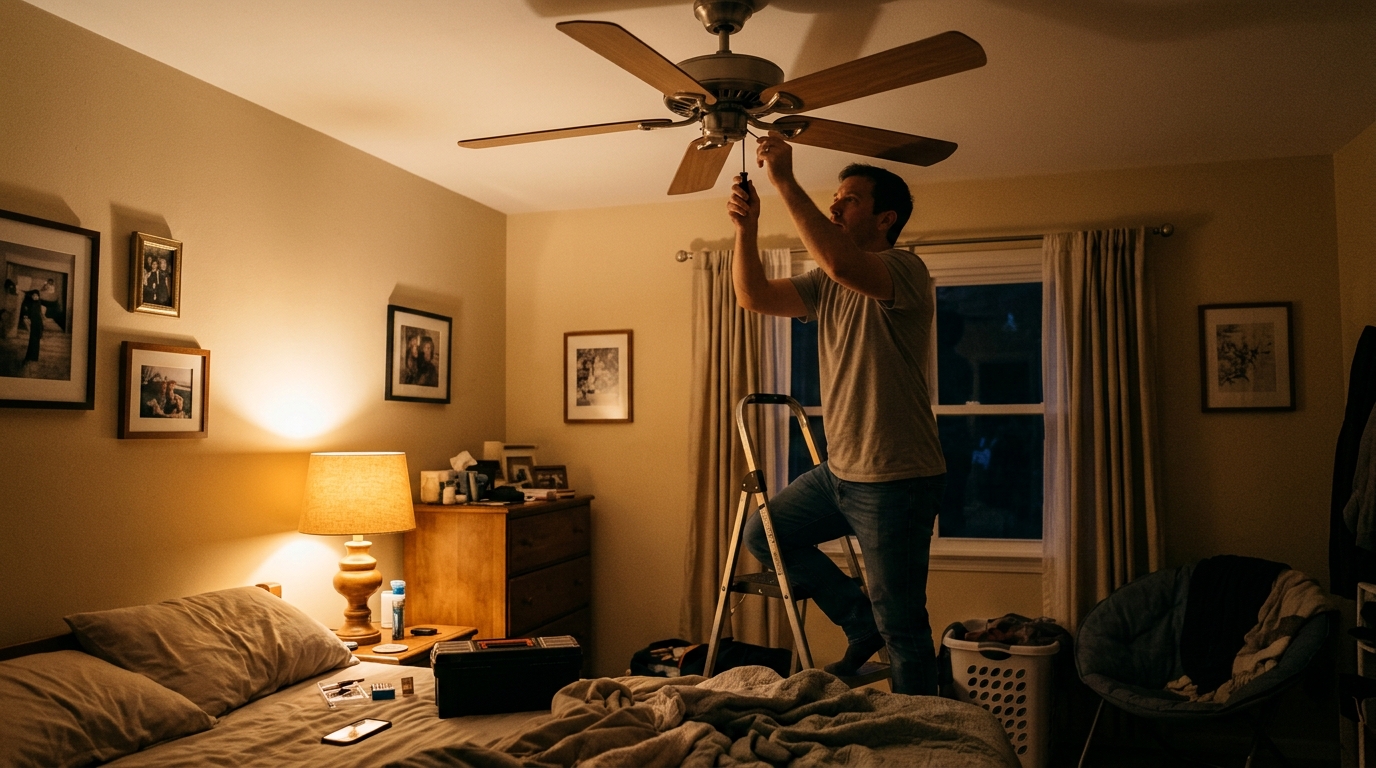
You are drifting off to sleep when the ceiling fan starts its nightly routine: a faint tick-tick-tick, a low electrical hum, and a visible wobble that makes the light fixture shiver. Most people respond by turning the fan off, sweating through the night, and cranking the air conditioner instead. That is an expensive reaction to a problem that is almost always cheap and easy to solve.
A ceiling fan costs only about 1 to 3 cents per hour to run, while central air conditioning can cost 30 to 50 cents per hour or more. The U.S. Department of Energy notes that a fan lets you raise your thermostat setting by about 4 degrees Fahrenheit with no loss of comfort, which can cut cooling energy use by up to 10 to 12 percent. But that only works if you will actually leave the fan on, and nobody sleeps well under a fan that clicks, wobbles, or hums.
In this post, we cover the real causes of fan wobble and noise, a 20-minute quick fix that solves most cases, a deeper DIY approach for stubborn problems, and when it is time to call an electrician or replace the unit. You will also learn how to tell a mechanical hum from an electrical one, since the fix is very different.
What You’ll Need
Click on an item below to shop for the recommended items for this recipe on Amazon.
As an Amazon Associate, we earn from qualifying purchases.
How to Do It
- Turn off the fan and let it stop fully. Wipe each blade top and bottom with a damp microfiber cloth, since uneven dust buildup alone can cause noticeable wobble.
- Tighten every screw you can reach: the screws holding each blade to its blade arm, the screws holding each blade arm to the motor hub, and the set screws on the canopy and downrod. Snug them firmly but do not overtighten, which can crack the arms.
- Check blade height by measuring from the ceiling to the tip of each blade. Rotate the fan by hand and measure each blade at the same position. Blades more than 1/8 inch off from each other are warped or bent and should be gently adjusted or replaced.
- Swap the fan direction switch and run the fan on each speed for a minute. If the wobble is gone or much smaller, you are done.
- If a faint wobble remains, apply the balancing kit that came with the fan (or a $5 to $8 universal kit). Clip the plastic weight to the middle of one blade’s trailing edge, run the fan, and move it blade by blade until the wobble is smallest. Then stick the adhesive weight on the spot that worked best.
- Turn off power at the circuit breaker, not just the wall switch, and confirm with a non-contact voltage tester. Lower the canopy cover and inspect the mounting bracket and electrical box. The box should be labeled as fan-rated and firmly attached to a joist or brace with no movement when you push on it.
- Tighten the bracket screws, the downrod set screws, and the pin or ball joint where the downrod meets the motor housing. Look for a worn or missing cotter pin or set screw, which is a common source of clicking.
- Check the wiring nuts in the canopy and switch housing for tight, clean connections. A loose neutral or ground can cause intermittent humming.
- Diagnose the hum: if it only occurs when the light is dimmed or the fan is on a dimmer, replace the dimmer with a fan-rated speed control ($20 to $40). If the hum persists at a steady pitch regardless, the capacitor is likely weak.
- Replace the capacitor if needed. Note the exact microfarad (uF) rating and wiring layout on the old one, photograph the connections, and install a matching capacitor ($10 to $25). Replace any severely warped blades as a full matched set rather than one at a time.
- Have an electrician inspect the mounting box and, if it is not fan-rated, install a fan-rated brace between joists, typically $75 to $200.
- Replace the fan outright if the motor has a grinding noise, the housing is cracked, or bearings are failing. Choose an ENERGY STAR certified model, which moves about 60 percent more air per watt than a standard fan.
- Match the fan to the room: roughly a 42 inch fan for rooms up to 144 square feet, 52 inch for 144 to 225 square feet, and 54 to 60 inch for larger spaces.
Why It Works: The Benefits
Raising your thermostat 4 degrees while using a fan can cut cooling energy by roughly 8 to 12 percent. For a household spending $120 per month on cooling, that is about $10 to $15 saved each month.
Steady airflow and a silent room help you fall asleep faster and stay asleep. Many people sleep better with background airflow at 68 to 72 degrees than in still air.
Vibration wears bearings, loosens wiring connections, and fatigues mounting hardware. A 20-minute tune-up can add years to a fan that otherwise fails early.
A badly wobbling fan can work its mounting hardware loose over time. Tightening and verifying the mount reduces the already small risk of a fan detaching.
The quick fix usually costs $0 to $10 for a balancing kit. Compare that to $100 to $300 for a replacement fan and installation.
💰 Savings Impact by Action
Using a fan to raise your thermostat about 4 degrees cuts cooling energy by roughly 8 to 12 percent.
A ceiling fan uses around 90 percent less electricity per hour than central air conditioning.
ENERGY STAR certified ceiling fans move about 60 percent more air per watt than conventional models.
Turning the fan off in empty rooms avoids wasted runtime, trimming fan electricity use by 15 percent or more.
🏠 Key Concepts Explained
The Science Behind It
A ceiling fan is a rotating mass, and any rotating mass will vibrate if its center of mass is not exactly on its axis of rotation. With blades turning at 100 to 200 RPM, even a small imbalance of a few grams at the blade tip produces a force that repeats every revolution, which you feel as wobble and hear as a rhythmic tick. The farther the extra weight is from the center, the larger the force, which is why a bit of dust or a slightly warped blade tip matters so much.
The hum is usually a different problem. AC motors vibrate at the electrical line frequency (60 Hz in North America), and loose laminations, a failing capacitor, or a dimmer that chops the waveform can make that vibration audible. A capacitor that has lost capacity reduces the magnetic field strength in the motor windings, leaving the motor underpowered, noisy, and slow to start.
The energy savings come from physics too. A fan does not cool the air; it increases the rate of evaporation and convection from your skin, creating a wind chill effect of about 4 degrees Fahrenheit. By letting you set the thermostat higher, you reduce the temperature difference between indoors and outdoors, and since cooling load scales roughly with that difference, each degree you raise the setpoint saves about 3 to 4 percent on cooling energy.
Frequently Asked Questions
▼ Why does my ceiling fan still wobble after I tightened all the screws?
The cause is probably blade imbalance or a warped blade. Measure the distance from each blade tip to the ceiling and look for differences over 1/8 inch, then use a balancing kit or the coin-and-tape method to find the blade that needs weight. If the whole fan housing shakes, check that the electrical box is fan-rated and firmly attached to a joist.
▼ Why does my fan hum only on low speed?
Low-speed humming is often a sign of a weak capacitor or a speed controller that is incompatible with the motor. First confirm you are not using a standard dimmer to control the fan. If you are using the pull chain or a fan-rated control and it still hums, replacing the capacitor for $10 to $25 usually solves it.
▼ Is a wobbling ceiling fan dangerous?
A mild wobble is usually just an annoyance, but a severe or growing wobble can gradually loosen mounting hardware and, in rare cases, lead to a fan coming loose. If the fan swings visibly, the canopy shifts, or you see cracks in the downrod or bracket, turn it off and have it inspected.
▼ Can renters fix a wobbly fan without landlord permission?
Yes, cleaning blades, tightening blade screws, and using a balancing kit are all non-permanent and do not involve wiring, so renters can usually do them freely. Anything involving the electrical box, wiring, or replacing the fan should be handled by the landlord or a licensed electrician.
▼ How long before I notice savings on my electric bill?
You will see the benefit on your next bill once you consistently raise your thermostat 3 to 4 degrees and use the fan. A typical household might save $8 to $15 per month in peak cooling season, so a $5 to $10 fix pays for itself within the first month.
Quick Tips
- Run the fan counterclockwise in summer (viewed from below) so it pushes air down, and turn it off when you leave the room since fans cool people, not rooms.
- Check and snug fan screws twice a year, such as when you change smoke detector batteries, to head off wobble before it starts.
- Pair the fan with a thermostat setpoint of 78 degrees in summer, which the DOE recommends for energy savings when you are home.
- Buy blades and hardware from the same manufacturer, since a mismatched replacement blade can differ in weight by 10 to 20 grams and reintroduce wobble.
Variations for Your Situation
- Apartment/Rental: Stick to the no-wiring steps: wipe blades, tighten blade and arm screws, and use a $5 to $8 adhesive balancing kit. If the fan still hums or shakes after that, put in a maintenance request rather than opening the canopy, since the electrical box and wiring are the landlord’s responsibility.
- Tight Budget (under $50): Do the quick fix using the coin-and-masking-tape method to find the unbalanced blade, then a $5 balancing kit or a few small stick-on weights. A $20 to $40 fan-rated speed control only becomes necessary if a dimmer is causing the hum.
- Older Home (pre-1980): Older homes often have ceiling boxes that are not fan-rated and may be attached only to a drywall or plaster ceiling. Have an electrician verify or install a fan-rated brace for $75 to $200 before blaming the fan. Also expect older fans with worn bearings that are cheaper to replace with an ENERGY STAR model than to repair.