Mini-splits are some of the most efficient cooling systems you can buy, but many owners waste that efficiency overnight. A common pattern is running the unit at 68 degrees F all night because it feels good at bedtime, then waking up to a cold room and a higher electric bill. The opposite mistake is turning the unit off and waking at 3 a.m. in a stuffy, humid bedroom.
The remote on your mini-split likely has a Sleep or Night mode that was designed to solve this exact problem. It gradually raises the setpoint during the first hours of sleep, matching how your body cools down naturally. Because every degree you raise the setpoint cuts cooling energy by roughly 3 to 5%, even a modest overnight drift adds up over a season.
This post covers how Sleep mode works, how to set it up in about 15 minutes, and how to go further with a custom schedule if your unit supports one. You will also find troubleshooting help, tweaks for renters and older homes, and realistic savings numbers.
What You’ll Need
Click on an item below to shop for the recommended items for this recipe on Amazon.
As an Amazon Associate, we earn from qualifying purchases.
How to Do It
- Cool the bedroom to your preferred bedtime temperature (typically 72 to 74 degrees F) about 30 minutes before you go to bed, using Cool mode.
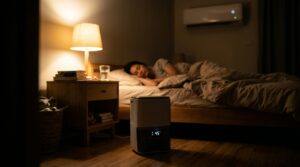
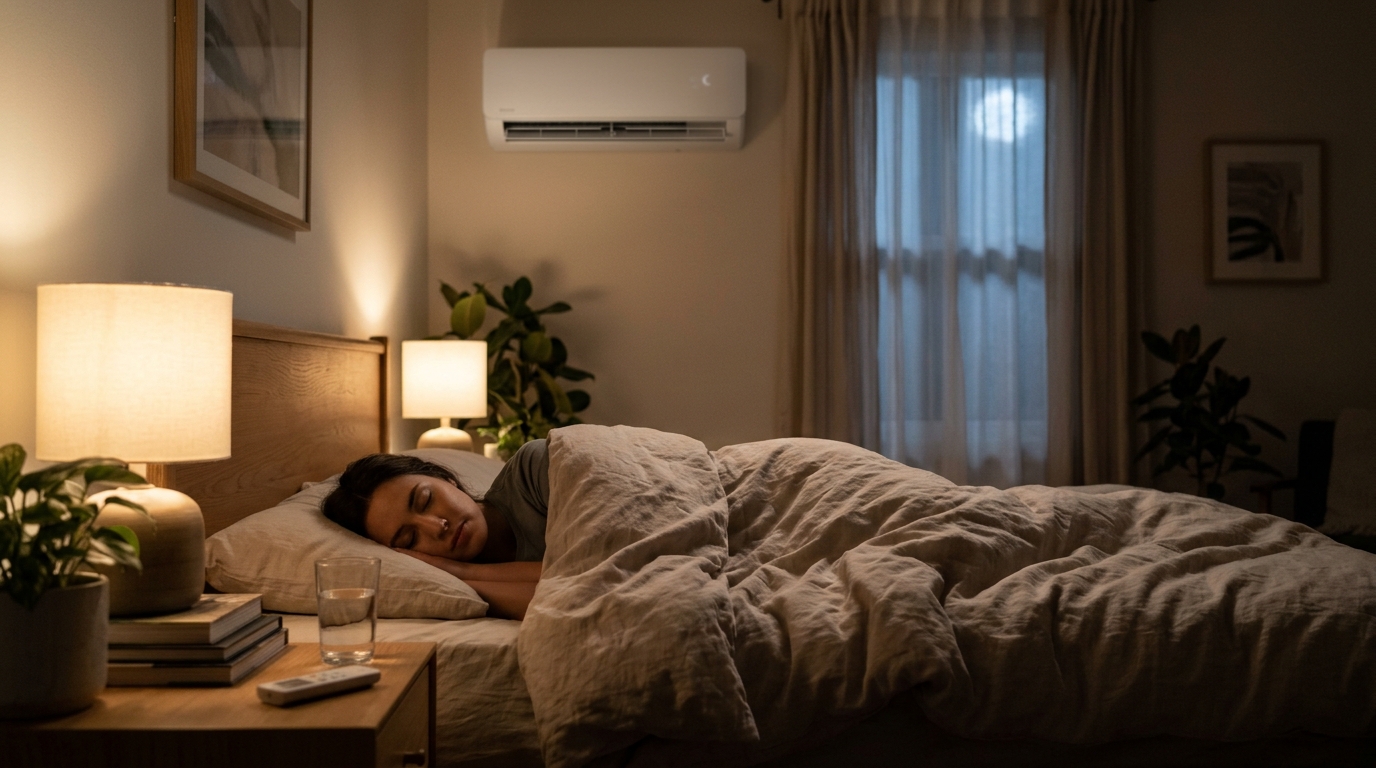
- Press the Sleep button on the remote (often a moon icon) once you are in bed. Most units will raise the setpoint 1 to 2 degrees F per hour for the first 2 to 3 hours, then hold steady.
- Set the fan speed to Low or Quiet and turn off any Turbo or Powerful setting so the compressor is not working hard all night.
- Point the louvers upward or sideways so air does not blow directly on your bed, which lets you tolerate a higher setpoint comfortably.
- Confirm in the morning that the room felt right. If you woke up warm, lower the starting setpoint by 1 degree F. If you woke up chilly, raise it.
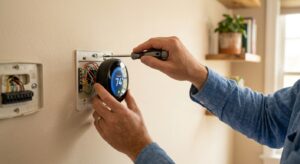
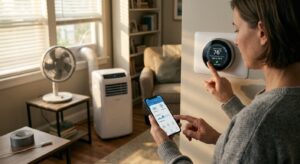
- Check whether your unit has built-in Wi-Fi or a Wi-Fi port. If not, buy the manufacturer-approved Wi-Fi adapter, which usually costs $40 to $120 and plugs into a port behind the front panel.
- Install the app and connect the unit following the manual. Follow the manufacturer’s steps exactly, since panel access and pairing differ by brand.
- Build a night schedule with three stages: 73 degrees F from 9 to 11 p.m., 75 degrees F from 11 p.m. to 3 a.m., and 77 degrees F from 3 to 6 a.m. Adjust these numbers to your own comfort.
- Add a pre-wake step that lowers the setpoint to 74 degrees F about 30 minutes before your alarm so you wake up comfortable.
- Enable humidity display or Dry mode intervals if available, so the unit pulls moisture without overcooling on humid nights.
- Review energy reports in the app after one week and trim the setpoints up another degree if comfort allows.
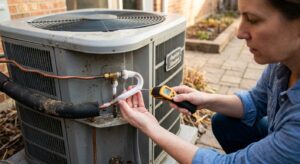
- Book an HVAC technician experienced with ductless systems and ask for a cleaning, refrigerant charge check, and airflow verification.
- Have the technician confirm the indoor unit is mounted at the correct height and level so condensate drains properly and air circulates well.
- Ask them to verify that the temperature sensor in the indoor unit is reading accurately, since a bad sensor makes Sleep mode behave unpredictably.
- Request a review of any installer-level settings for fan speed, auto-restart, and sleep curve if your model allows them.
Why It Works: The Benefits
Raising the setpoint 3 to 4 degrees F across the night typically trims cooling energy by 15 to 25%, based on the common DOE rule of 3 to 5% per degree.
A room that is cool at bedtime and slowly warms matches natural body temperature rhythms, and the quiet fan setting reduces wake-ups from noise or drafts.
Keeping the compressor running at low speed holds indoor humidity near 45 to 55%, avoiding the sticky feeling you get when the unit shuts off completely.
Steady low-speed operation avoids hard starts and frequent cycling, which can extend compressor life compared with aggressive on/off use.
Low fan speed and reduced compressor output can drop indoor unit noise to around 19 to 25 decibels on many models, comparable to a whisper.
💰 Savings Impact by Action
Using the built-in Sleep ramp lifts the setpoint 2 to 3 degrees F overnight, saving roughly 10 to 20% of nighttime cooling energy.
A three-stage schedule with a 4 to 5 degree F total drift can save 20 to 25% compared with a constant low setpoint.
Adding a ceiling or box fan lets you raise the setpoint about 4 degrees F with similar comfort, adding roughly 8% in savings.
Clean filters keep airflow strong and can improve operating efficiency by about 5% compared with clogged ones.
🏠 Key Concepts Explained
The Science Behind It
Cooling energy is driven by the temperature difference between inside and outside, plus the heat your home absorbs through walls, windows, and the roof. When you raise the indoor setpoint, you shrink that difference, and the heat flow into the house drops in direct proportion. That is why the Department of Energy estimates savings of roughly 3 to 5% for each degree you raise the setpoint over an extended period.
Inverter-driven mini-splits add another advantage. Their compressors can run at anywhere from about 20 to 100% of capacity, and they are generally most efficient at partial load. A gentle setpoint ramp means the compressor spends more time at low speed, which improves the seasonal efficiency you actually experience compared to the rated number on the label.
Sleep physiology completes the picture. Core body temperature falls during early sleep, and sleeping in a room that is slightly warmer than at bedtime is generally well tolerated, especially with light bedding and moving air at low speed. The result is a cooling profile that follows your body instead of fighting it.
Frequently Asked Questions
▼ Why does my room feel humid even though the mini-split is on?
The unit may be satisfying the temperature setpoint quickly and idling before removing enough moisture. Try Dry mode for 30 to 60 minutes before bed, or lower the setpoint 1 degree F at bedtime so the compressor runs longer. If humidity stays above 60%, have a technician check airflow and coil cleanliness.
▼ My Sleep mode makes the room too warm by morning. What should I change?
Lower your starting setpoint by 1 to 2 degrees F, or use a custom schedule that stops rising after 2 a.m. Some models raise the setpoint a fixed amount regardless of room conditions, so a smart schedule gives you more control.
▼ Can renters use these settings without permission?
Yes. Sleep mode and scheduling are normal operating features and do not modify the equipment. If a Wi-Fi adapter is needed and the unit belongs to the landlord, ask permission before installing it, since it plugs into the unit itself.
▼ How long before I notice savings on my bill?
You should see a difference on your next full billing cycle, typically 15 to 25% less nighttime cooling energy. If you have a smart plug or the mini-split app’s energy report, you can verify savings within a few days.
▼ What if my mini-split is more than 10 years old?
Older units may have simpler Sleep modes and less accurate sensors, but the basic strategy still works. If the unit is a non-inverter model, savings may be smaller because it cycles on and off at full power, and a newer inverter model could pay for itself in 5 to 8 years in hot climates.
Quick Tips
- Close bedroom doors and seal obvious gaps so the mini-split only conditions the room you are sleeping in.
- Clean the indoor unit filters every 2 to 4 weeks in cooling season, since dirty filters can cut airflow and efficiency noticeably.
- Use blackout curtains or cellular shades on west-facing windows to reduce evening heat gain before bedtime.
- Pair Sleep mode with a ceiling fan on low, which makes the room feel about 4 degrees F cooler and lets you raise the setpoint further.
Variations for Your Situation
- Apartment/Rental: Stick to the built-in Sleep button and the remote, which require no modification. If your landlord allows it, a $40 to $60 Wi-Fi adapter can add scheduling, but you can also set phone reminders to switch modes at bedtime for $0.
- Tight Budget (under $50): Use Sleep mode, set a bedtime setpoint 2 degrees F higher than you normally would, close the bedroom door, and run a $25 box fan for air movement. Add $10 to $20 of blackout curtain liner to cut afternoon heat gain.
- Older Home (pre-1980): Expect more heat to leak in overnight through attic and window gaps, so start with a slightly lower setpoint (72 degrees F) and let Sleep mode ramp from there. Sealing bedroom gaps and adding attic insulation to R-38 will make any mini-split night strategy work noticeably better.