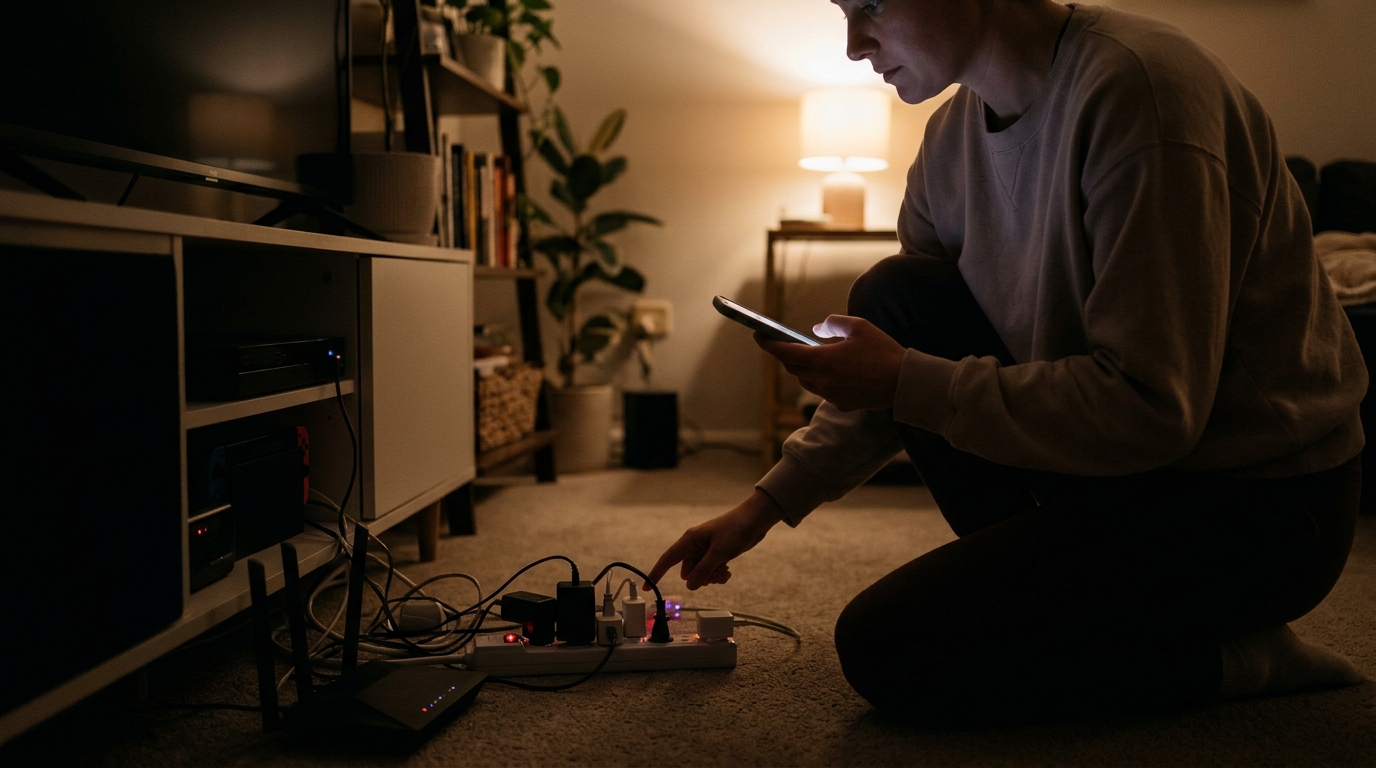
Walk through your home tonight after the lights are off and you will see a small galaxy of glowing LEDs: the cable box, the game console, the soundbar, the microwave clock, the phone chargers. Each one draws only a few watts, which is why nobody worries about it. But those watts add up, and they run 8,760 hours a year. The U.S. Department of Energy and Lawrence Berkeley National Laboratory have estimated that standby power, often called vampire or phantom load, accounts for roughly 5 to 10% of residential electricity use. For a typical household, that works out to about $100 to $200 a year, or more in homes with large entertainment setups and home offices.
The frustrating part is that this energy delivers nothing. Your TV is not showing a picture, your cable box is not recording anything, and your charger is not charging anything. You are paying for electricity that exists only to keep a clock lit or to let a device wake up two seconds faster. And unlike a leaky window or a thin attic, this waste can be found and fixed in a single evening.
This post walks you through a simple overnight audit. You will find your home’s baseline standby draw, hunt down the biggest offenders, and decide which devices to unplug, which to put on a smart strip, and which to leave alone. You can do the quick version with nothing but your electric meter, or the more thorough version with a $20 plug-in watt meter. Either way, the whole process takes about 20 minutes of active work.
What You’ll Need
Click on an item below to shop for the recommended items for this recipe on Amazon.
As an Amazon Associate, we earn from qualifying purchases.
How to Do It
- After dark, make sure no one is cooking, running laundry, or using the dishwasher. Turn off all lights and close the garage door.
- Go outside and look at your electric meter. If it is a digital meter, note the instantaneous kW or watts reading if it cycles through displays. If it is an older analog meter, time how long the spinning disc takes to complete a full rotation.
- Write down your reading as your baseline. A well-managed home often idles at 100 to 300 watts overnight with the refrigerator and router running, while homes with lots of electronics may read 400 watts or more.
- Go back inside and unplug or switch off entertainment centers, chargers, printers, and spare power strips, then recheck the meter a few minutes later.
- Subtract the new reading from the baseline. That difference is your vampire load. Multiply the watts by 1.4 to estimate annual dollars at an average rate of 16 cents per kWh.
- Plug the watt meter into the outlet, then plug the device you want to test into the meter. Make sure the device is in its normal standby state, such as a TV that has been turned off with the remote.
- Read the wattage. Anything under 1 watt is fine and not worth chasing. Anything between 3 and 10 watts is worth a closer look, and anything above 10 watts in standby is a prime target.
- Test your usual suspects first: TV and cable box, game console, soundbar, desktop computer and monitor, printer, coffee maker, microwave, and any old second refrigerator or freezer.
- Group devices that are used together, like a TV, console, and soundbar, onto one smart power strip or a switched strip you can turn off with one click. Plug the cable box or DVR into a separate always-on outlet if it needs to keep recording.
- For devices with quick-start or instant-on modes, open the settings menu and turn those features off. Recheck the wattage afterward to confirm the savings.
- Record your results in a simple list with the device, standby watts, and annual cost (watts times 1.4). Prioritize the top five offenders and act on them first.
- Install advanced power strips with a control outlet, so that turning off your TV or computer automatically cuts power to the accessories.
- Add plug-in timers or smart plugs for items that only need power at certain times, such as a garage fridge, a holiday display, or a printer.
- Set a routine in your smart plug app so entertainment centers shut down at midnight and wake up in the evening.
- Retest your overnight baseline at the meter after a week to confirm the new, lower number.
Why It Works: The Benefits
Cutting standby load by 50 to 70% typically saves $50 to $150 per year for an average home, and more for homes with large entertainment or home office setups.
The first round of savings comes from unplugging things you already own, so the payback is immediate. A plug-in watt meter runs about $15 to $25 if you want exact numbers.
Unplugging or switching off clusters of electronics removes a constant source of heat and reduces exposure to power surges during storms.
Learning your overnight baseline load gives you a benchmark. If it creeps up later, you will know something new, or something failing, is drawing power.
Every watt of standby power ends up as heat. Removing it slightly reduces cooling load in summer, which adds a small bonus to your savings.
💰 Savings Impact by Action
Putting TVs, consoles, and soundbars on a switched strip can eliminate up to 40% of a household’s standby waste.
Turning off monitors, printers, and docks overnight typically removes 15 to 20% of vampire load.
Unplugging idle wall warts saves a smaller but easy 5 to 10% of standby draw.
Disabling instant-on and network standby modes can cut a console or TV’s standby draw by 10 to 15 watts.
Retiring or unplugging an old garage fridge or spare dehumidifier can account for 25% or more of a home’s avoidable idle load.
🏠 Key Concepts Explained
The Science Behind It
Standby power exists because many electronics are never truly off. When you press the power button on a modern TV, you are usually switching it from active mode to a low-power state in which a small circuit stays energized to listen for the remote, keep a clock running, or maintain a network connection. Power supplies convert 120-volt AC into low-voltage DC, and that conversion is never perfect. Even with nothing attached, an adapter wastes some energy as heat in its transformer and switching circuitry.
The cost of that waste depends almost entirely on time. A single watt running continuously uses about 8.76 kWh per year. At an average U.S. rate of 16 cents per kWh, that is about $1.40. A household with 40 devices averaging 3 watts each in standby draws 120 watts around the clock, which equals roughly $168 per year. That is why many small devices can rival the cost of a single large appliance.
Efficiency standards have improved things. ENERGY STAR and DOE rules have pushed many newer products below 1 watt in standby, and a new TV or microwave usually behaves better than a 15-year-old one. But features like voice assistants, network standby, and fast-boot modes have added new always-on loads. That is why an audit is still worthwhile, even in a fairly modern home.
Frequently Asked Questions
▼ My overnight meter reading is still high after unplugging everything. What else could be drawing power?
Check for the big always-on loads: a second refrigerator or freezer, a sump pump, a well pump, an electric water heater with a recirculation pump, a hot tub, or an aquarium heater. A plug-in watt meter or your breaker panel can help isolate circuits. Turn off breakers one at a time while watching your meter to find the culprit.
▼ Can renters do this without landlord permission?
Yes. Everything in this audit happens on your side of the outlet, so there is nothing to modify in the building. Use a plug-in watt meter, smart power strips, and plug-in timers, and take them with you when you move. You can also read your utility app or meter, since most meters are accessible to tenants.
▼ How long before I notice savings on my bill?
You should see a difference on your next full billing cycle. If you cut 80 watts of standby load, that is about 58 kWh per month, or roughly $9 at average rates. To confirm it is working, compare your kWh use to the same month last year, adjusting for weather.
▼ Will unplugging electronics damage them or reset my settings?
Unplugging is generally safe for TVs, chargers, printers, and speakers, though some devices need a minute to reboot or may lose clock settings. Avoid cutting power to cable DVRs mid-recording, to routers you rely on for the whole house, and to anything that runs updates overnight. If a device takes a long time to restart, leave it plugged in and focus elsewhere.
▼ What if my home is older than 30 years?
Older homes tend to have older appliances and more forgotten loads, such as an old second fridge, a dehumidifier, or aging CRT-era equipment. Expect to find some higher-draw devices in standby, and consider replacing the worst ones. A 20-year-old refrigerator can use two to three times the electricity of a new ENERGY STAR model.
Quick Tips
- Start with the entertainment center and home office, since those two areas typically hold the highest concentration of standby draw.
- Use the rule of thumb that one continuous watt costs about $1.40 per year to quickly decide what is worth your time.
- Turn off quick-start, instant-on, and network standby features in your TV and console settings before buying any hardware.
- Unplug chargers and adapters that are not attached to a device, and consider a switched outlet near your desk or nightstand to cut them all at once.
- Re-run your overnight baseline test every year or after buying new electronics to catch creeping loads.
Variations for Your Situation
- Apartment/Rental: Use a plug-in watt meter ($15 to $25) and a couple of smart power strips ($15 to $30 each) so you do not need to modify anything. Group your TV, console, and soundbar on one strip and your desk gear on another, and ask your landlord about any shared meter readings if your unit is not individually metered.
- Tight Budget (under $50): Skip the gadgets and use the meter test, then manually unplug your top offenders each night. A $10 to $15 basic switched power strip gives you one-click control over a whole entertainment center and typically pays for itself within a few months.
- Older Home (pre-1980): Expect more hidden loads like a second refrigerator, a chest freezer, or an old dehumidifier, plus aging wiring that makes it worth checking outlets for warmth. Prioritize replacing a 15-plus year old garage fridge, which can save $80 to $150 per year on its own, and have an electrician check any outlet that feels hot or sparks.