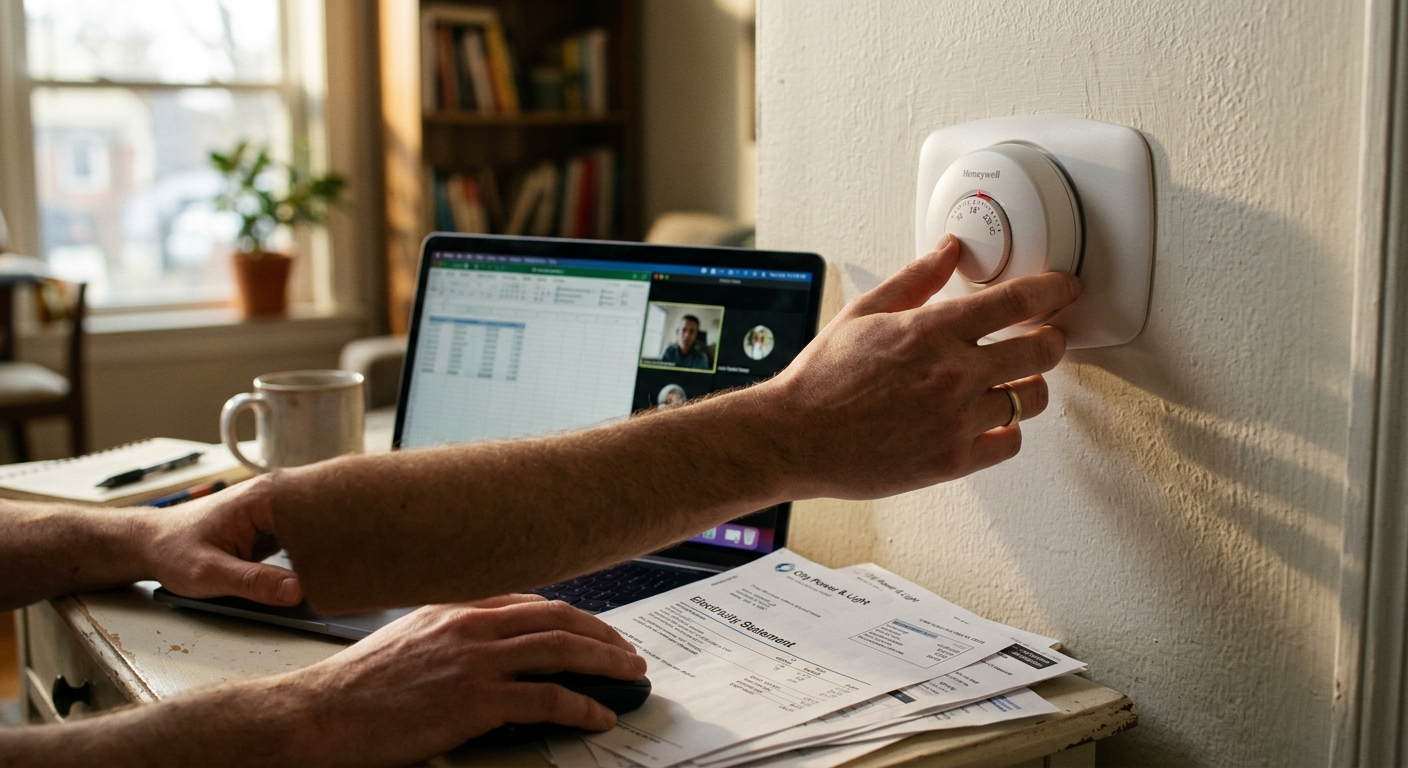
When you trade your commute for a home office, you gain time and flexibility, but your utility company gains a new best customer. A home that used to sit empty 8 to 10 hours a day is now occupied, heated or cooled, lit, and plugged in from sunrise to sunset. The U.S. Energy Information Administration estimates that full-time remote workers spend 17 to 25 percent more on home energy than their office-commuting counterparts, and in older or poorly insulated homes that gap grows even wider.
The costs sneak up on you in layers: your HVAC runs all day instead of coasting on a setback schedule, your home office gear draws a constant phantom load, your kitchen gets used for lunch every day, and your hot water heater works an extra shift. None of these changes are dramatic on their own, but together they can add $20 to $45 per month to a typical household energy bill, sometimes more in climates with extreme summers or winters.
This post breaks down exactly where the added energy goes, gives you a clear picture of what it costs, and walks you through practical steps to take back control. Whether you want a zero-dollar fix you can do in 20 minutes or a room-by-room upgrade plan, you will find a real path to savings here.
What You’ll Need
Click on an item below to shop for the recommended items for this recipe on Amazon.
As an Amazon Associate, we earn from qualifying purchases.
How to Do It
- Update your thermostat schedule immediately. Instead of a whole-home setback while away, set a modest working-hours temperature of 68 to 70 degrees Fahrenheit in winter or 74 to 76 degrees in summer rather than full comfort mode. Every degree of adjustment saves roughly 3 percent on heating or cooling costs.
- Identify and eliminate phantom loads in your office. Unplug chargers, monitors, and printers when not in use, or flip a single power strip off at the end of the workday. This takes 5 seconds and saves $15 to $45 per year at no cost.
- Enable sleep mode on all computers and monitors. Set displays to sleep after 5 minutes of inactivity and computers after 15 minutes. A sleeping laptop uses 1 to 2 watts versus 15 to 45 watts when active, reducing idle-hour costs by up to 90 percent.
- Close doors to unoccupied rooms. This informal zoning reduces the volume your HVAC must condition, lowering runtime by 10 to 20 percent without any hardware changes.
- Switch to cold water for hand washing and quick rinses during the workday. Water heating accounts for roughly 18 percent of home energy use, and eliminating unnecessary hot water draws during office hours adds up over 250 working days.
- Install a smart thermostat with geofencing or occupancy detection. Models from Google Nest, Ecobee, or Honeywell Home allow room-by-room scheduling and can automatically shift to an energy-saving mode during deep work hours. The DOE estimates smart thermostat users save 8 to 12 percent on heating and 15 percent on cooling annually.
- Add a smart power strip to your home office desk. A load-sensing strip cuts power to peripherals like monitors, speakers, and printers when your computer goes to sleep. Strips cost $25 to $50 and typically pay back within 4 to 6 months of full-time use.
- Place a window air conditioner or small mini-split in your home office if your workspace is frequently warmer or cooler than the rest of the house. Running a 6,000 BTU window unit (500 to 700 watts) for 8 hours costs roughly $0.40 to $0.56 per day versus running central air at 3,000 to 5,000 watts for the same period at $2.40 to $4.00.
- Audit and seal your home office air leaks. Use a stick of incense or a smoke pen near window frames, door edges, and outlet covers to find drafts. Apply weatherstripping to the door and caulk around window frames. A properly sealed room holds temperature 15 to 25 percent longer, reducing heating and cooling cycles.
- Replace any remaining incandescent or halogen desk and overhead bulbs with LEDs. An LED equivalent uses 8 to 10 watts versus 60 watts for incandescent, saving roughly $8 to $10 per bulb per year at 10 hours of daily use.
- Program your hot water heater to reduce temperature during off-peak work hours or install a simple timer if you have an electric tank. Dropping from 140 to 120 degrees Fahrenheit saves 4 to 22 percent on water heating costs and eliminates scalding risk.
- Commission a professional home energy audit. An auditor uses a blower door test and thermal imaging to find hidden air leaks, insulation gaps, and HVAC inefficiencies. Cost ranges from $150 to $400, and audits routinely identify $500 to $1,500 in annual savings opportunities. Many utilities offer rebates that make audits free or deeply discounted.
- Add attic insulation to at least R-38 (R-49 in cold climates). Since you are now home during peak solar hours, reducing heat gain through the ceiling has a direct daily payoff. Professionally installed blown-in insulation costs $1,500 to $3,500 for a typical attic and reduces heating and cooling loads by 15 to 25 percent.
- Upgrade to a ductless mini-split system for your primary work zone. A single-zone mini-split with a 12,000 BTU capacity costs $700 to $1,500 for the unit plus $500 to $1,500 for professional installation. It delivers targeted comfort at roughly one-third the operating cost of central air for the same space.
- Install a heat pump water heater if you have an electric tank unit. Heat pump water heaters use 60 to 70 percent less electricity than standard electric resistance units, saving $300 to $500 per year. With the federal Inflation Reduction Act tax credit of up to $2,000, payback can fall under 4 years.
- Replace single-pane windows in your home office with double-pane low-e glass. For a typical home office with 2 to 3 windows, this costs $600 to $1,500 installed and reduces solar heat gain in summer and conductive heat loss in winter by 25 to 35 percent in that room.
Why It Works: The Benefits
Applying the strategies in this post can claw back 40 to 60 percent of the added WFH energy cost, turning a $300 annual increase into a net addition of $100 to $150 while maintaining comfort.
Remote workers who optimize their home office zone and adopt smart thermostat scheduling often end up paying less than they did as commuters, because they eliminate commuting fuel costs and can cook cheaper meals at home.
Targeted zone conditioning keeps your workspace at a consistent, comfortable temperature without heating or cooling the whole house, reducing hot and cold spots that hurt concentration.
Self-employed remote workers may deduct a portion of home energy costs and equipment as a home office expense. A dedicated 120-square-foot office in a 1,200-square-foot home represents a 10 percent deductible share of utility bills.
Smart power strips and proper shutdown routines extend the life of computers and peripherals by reducing heat cycling, which is the leading cause of component failure in home electronics.
💰 Savings Impact by Action
Adjusting setpoints by 2 to 3 degrees and using smart scheduling features saves 8 to 15 percent on daily HVAC costs for full-time WFH households.
Conditioning only the home office with a window unit or mini-split instead of running central air saves 25 to 40 percent on daytime cooling costs.
Eliminating standby draws with smart power strips and sleep mode settings reduces office electrical load by up to 80 percent during idle hours, saving 5 to 10 percent of total office energy use.
Sealing air leaks and upgrading attic insulation to R-38 reduces whole-home heating and cooling load by 15 to 25 percent, with compounding daily benefit when the home is occupied all day.
Replacing incandescent bulbs with LEDs in the home office reduces lighting energy use by 75 percent and cuts annual office lighting cost from $60 to under $15.
🏠 Key Concepts Explained
The Science Behind It
The core challenge of working from home is that residential buildings are designed around a vacancy pattern. Your HVAC system, insulation levels, and even your window placement were all sized and chosen under the assumption that the house would sit empty during the hottest and coldest parts of a typical weekday. When you remove that vacancy, you expose every inefficiency in the building envelope because the system must now fight peak heat gain in summer or peak heat loss in winter for 8 to 10 more hours every day.
Heat moves through your home in three ways: conduction through walls, windows, and roofs; convection through air leaks and duct losses; and radiation from sunlight through glass. During the workday, all three processes are working against you at full intensity. A well-sealed, well-insulated home resists all three pathways simultaneously, which is why air sealing and insulation deliver the highest return on investment for remote workers. The building science principle known as the thermal envelope describes the boundary between conditioned interior space and the outdoor environment. Strengthening that envelope reduces the energy required to maintain any target temperature regardless of how many hours per day the home is occupied.
On the electrical side, electronics follow a predictable power curve: they consume the most energy when processing actively, a moderate amount at idle, and a small but non-zero amount even in standby. The key insight is that over 250 working days per year, even a 20-watt idle load accumulates to 1,200 watt-hours, or 1.2 kWh per day. At a national average electricity rate of $0.16 per kWh, that idle load costs roughly $48 per year for a single device. Multiply that across a full desk setup and the phantom load problem becomes very real and very solvable with a single smart power strip.
Frequently Asked Questions
▼ My energy bill jumped $50 or more per month after I started working from home. Is that normal?
A $50 monthly increase is on the higher end but not unusual, especially in homes with older HVAC systems, poor insulation, or high electricity rates. Start by identifying your biggest load: HVAC typically accounts for 50 to 70 percent of home energy use, so even modest thermostat adjustments of 2 to 3 degrees during work hours can cut $15 to $25 off that monthly spike. Then audit your office equipment and eliminate standby loads.
▼ Can I use a space heater instead of running central heat all day while I work from home?
Yes, and in many homes this is the right move, but the math depends on your setup. A 1,500-watt electric space heater running 8 hours at $0.16 per kWh costs about $1.92 per day. If your central system would heat the whole house to maintain that same comfort level, the space heater wins decisively. However, if your house is well-insulated and your office is near the center of the home, central heat distributed to one zone via a smart thermostat may be cheaper. Measure, do not guess.
▼ Will a smart thermostat actually save money if someone is home all day?
Yes, but the savings mechanism shifts. Instead of using setback schedules, smart thermostats save money through tighter temperature control, shorter run cycles, and features like humidity sensing, weather-responsive pre-conditioning, and geofencing when you do leave. Ecobee reports average savings of 23 percent on heating and cooling for homes with full-time occupants who use these features actively.
▼ My home office gets hot in the afternoon even with the AC running. What is causing this?
This is almost certainly solar heat gain through west or south-facing windows combined with insufficient insulation in the ceiling or walls adjacent to the exterior. Start by adding cellular shades or reflective window film to the problem windows, which can block 50 to 70 percent of solar heat gain for under $100. If the room still overheats, a small window AC or portable unit dedicated to that room will solve it faster and cheaper than asking your central system to compensate.
▼ I rent my apartment and cannot install a smart thermostat or mini-split. What are my best options?
Focus on the things you fully control: smart power strips for your desk setup, LED bulbs in your workspace, cellular or blackout shades on sunny windows, a draft stopper under the door, and a programmable plug-in outlet timer for a small space heater or fan. Together these steps can reduce your added WFH energy cost by 25 to 35 percent without touching a single fixture or system.
Quick Tips
- Use a plug-in energy monitor like a Kill-A-Watt meter to measure the actual wattage of each device in your home office before buying any equipment. Real numbers beat estimates every time.
- Position your home office in a north-facing or interior room if possible. South and west-facing rooms absorb significantly more solar heat, forcing your cooling system to work harder during afternoon work hours.
- If you use a space heater to supplement office warmth in winter, choose a model with a built-in thermostat and set it to 68 degrees Fahrenheit rather than running it at full power continuously. An unregulated 1,500-watt heater running 8 hours costs $1.92 per day or about $480 per working year.
- Batch your kitchen tasks during the workday. Running the microwave once for 4 minutes uses less energy than running it twice for 2 minutes each because the appliance draws full startup power each cycle.
Variations for Your Situation
- Apartment or Rental: You cannot touch central HVAC or install a mini-split, so focus on your personal energy footprint. A smart power strip for your desk ($25 to $50), blackout cellular shades on office windows ($60 to $120), a small energy-efficient tower fan for cooling ($40 to $80), and a plug-in programmable space heater with a thermostat ($50 to $80) can together reduce your added WFH cost by 25 to 35 percent. Request that your landlord switch hallway and common area bulbs to LEDs as a free goodwill ask.
- Tight Budget (under $50): Start with the four free changes that move the needle most: enable sleep mode on every device you own, close doors to unoccupied rooms, shift your thermostat 2 degrees closer to the outdoor temperature during work hours, and unplug all chargers and peripherals at the end of the workday. Next, spend $20 to $25 on a basic smart power strip and $10 to $15 on a door draft stopper. These five steps combined can recover 20 to 30 percent of your added monthly energy cost with minimal upfront spend.
- Older Home (pre-1980): Homes built before 1980 typically have minimal wall insulation, single-pane windows, and duct systems that leak 20 to 30 percent of conditioned air into unconditioned spaces like attics and crawlspaces. Working from home in an older house can add $400 to $800 per year to your energy bill versus $200 to $300 in a newer home. Prioritize a professional energy audit first, as blower door testing will pinpoint exactly where your money is escaping. Air sealing alone in an older home often delivers a 20 to 30 percent reduction in heating and cooling costs and costs $300 to $1,500 depending on scope.