Millions of homeowners are now on time-of-use (TOU) electricity plans, where a kilowatt-hour might cost 12 cents at 10 a.m. and 40 cents or more at 5 p.m. The cruel irony is that your AC naturally works hardest during those expensive late-afternoon hours, when the sun has been baking your house all day and everyone is arriving home. Left on autopilot, your thermostat buys the most electricity at the worst possible price.
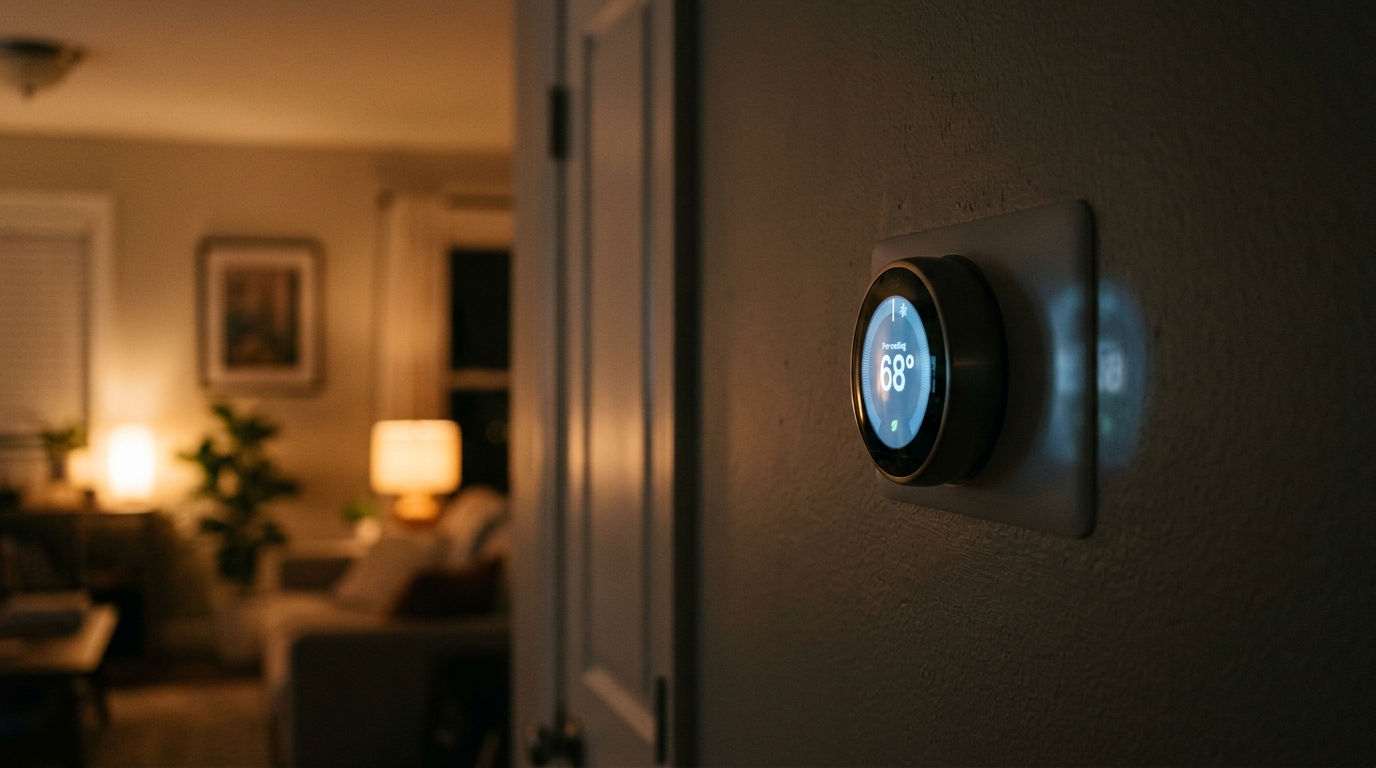
Pre-cooling flips that script. You deliberately cool your home a few degrees lower during the cheap, off-peak hours, then let the temperature drift upward slowly once peak rates begin. Your walls, furniture, and the air itself act like a thermal battery, storing cool and releasing it while your AC sits mostly idle. Done right, you shift a big chunk of your cooling load to cheaper hours, and you often use slightly less total energy as well, because the AC runs during cooler outdoor temperatures when it operates more efficiently.
This post walks through exactly how to set up pre-cooling, whether you want a 15-minute fix with any programmable thermostat or a more automated smart thermostat setup that does the work for you. We will cover the numbers, the schedule math, and the mistakes that cause pre-cooling to backfire.
What You’ll Need
Click on an item below to shop for the recommended items for this recipe on Amazon.
As an Amazon Associate, we earn from qualifying purchases.
How to Do It
- Look up your utility’s time-of-use schedule and write down the peak window, which is often 4 to 9 p.m. or 3 to 8 p.m. on weekdays, and the off-peak rate hours.
- Set a pre-cool period starting 2 to 3 hours before peak begins. Lower your normal setpoint by 2 to 3 degrees, for example from 76 to 73 degrees.
- Program the peak window to raise the setpoint 3 to 4 degrees above your normal, such as 78 to 80 degrees, so the AC mostly stays off.
- After peak ends, return to your regular setpoint, or an energy-saving setpoint if you are going to bed.
- Run the schedule for a week, then adjust. If the house gets too warm before peak ends, start pre-cooling 30 to 60 minutes earlier or lower the setback by one degree.
- Confirm compatibility with your HVAC system. Most smart thermostats need a common wire (C-wire), but many include an adapter kit if you do not have one.
- Turn off power to your HVAC system at the breaker, photograph the existing wiring, label each wire, and swap in the new thermostat following the manufacturer’s guide.
- Connect it to Wi-Fi, enter your utility and rate plan if the app supports it, and enable the energy or rush-hour feature, often called Time of Use, Rush Hour Rewards, or Savings Finder.
- Let the thermostat learn your home for 1 to 2 weeks. It measures how quickly your house gains and loses heat and sets pre-cooling start times automatically.
- Set comfort limits, such as a maximum indoor temperature of 79 degrees during peak, so automation never pushes you past what you can tolerate.
- Review the energy report after the first month and compare your peak-hour kWh to the previous month to confirm savings.
- Have an HVAC technician verify refrigerant charge, airflow, and duct leakage, since an inefficient system wastes the benefit of pre-cooling.
- Ask about thermostat compatibility with variable-speed or two-stage equipment, which can pre-cool more gently and efficiently than single-stage units.
- If your home has multiple floors, consider zoning or smart vents so the pre-cooled air goes where heat gain is worst, typically upper levels and sun-facing rooms.
- Request an air sealing or duct sealing evaluation. Reducing leakage improves how long the pre-cooled air stays in the house.
Why It Works: The Benefits
Homeowners on time-of-use rates commonly save 10 to 30% on cooling costs by shifting runtime to off-peak hours, which can mean $15 to $50 per month in peak summer.
Running during cooler morning hours means lower compressor pressure and fewer long, grinding cycles in 100-degree afternoon heat, which can extend equipment life.
Instead of a house that is still recovering from the afternoon heat, you arrive home to a space that is already cool, with the AC mostly quiet.
Shifting load away from the 4 to 9 p.m. peak reduces demand when the grid is most stressed, and some utilities add bill credits or rebates on top.
Because the AC runs when outdoor air is cooler, it operates more efficiently, often trimming total kWh by 3 to 8% on top of the rate savings.
💰 Savings Impact by Action
Moving AC runtime from peak to off-peak hours can cut cooling costs by 15 to 25% on a steep time-of-use plan
Cooling during cooler outdoor temperatures improves AC efficiency and trims total kWh by roughly 3 to 8%
Raising the setpoint 3 to 4 degrees during peak hours reduces runtime by about 10% without major comfort loss
Blocking solar gain and sealing leaks extends coast time and can reduce overall cooling load by 10 to 15%
🏠 Key Concepts Explained
The Science Behind It
Pre-cooling works because your home is a thermal battery. Every material inside it, from drywall and hardwood to couches and kitchen cabinets, absorbs heat and releases it slowly. When you chill the air and surfaces by a few degrees during cheap hours, you store that cold in the building’s mass. Once the AC shuts off, that stored coolness offsets incoming heat, so the air temperature creeps upward gradually rather than jumping.
The rate at which your house warms depends on the temperature difference between inside and outside, plus solar gain through windows and heat conduction through the roof and walls. This is why insulation and air sealing matter: a tight, well-insulated home might drift only 1 degree per hour, giving you a 3 to 4 hour coasting window. A leaky home with single-pane windows may drift 3 degrees per hour and run out of coast time fast.
There is also a real efficiency gain. An air conditioner’s efficiency, measured as EER or SEER, drops as outdoor temperature rises, because the condenser has to reject heat into hotter air. Running during a 78-degree morning versus a 98-degree afternoon can improve efficiency noticeably. So pre-cooling often wins twice: you buy cheaper electricity and you use less of it per unit of cooling delivered.
Frequently Asked Questions
▼ Why is my AC still running all day even after I set up pre-cooling?
Your home may be gaining heat faster than the pre-cool can offset, usually from leaky ducts, poor attic insulation, or strong afternoon sun through west-facing windows. Try shortening the setback so your peak setpoint is only 2 degrees above normal, and close blinds before noon. If the AC runs nonstop even at modest setpoints, have a technician check for undersized equipment or low refrigerant.
▼ Can renters do this without landlord permission?
Yes, in most cases. If you have a standard programmable thermostat, you can adjust the schedule freely. For a smart thermostat, many renters swap it in and reinstall the original when moving out, but check your lease first. Window AC units can use a smart plug with a schedule to achieve similar pre-cooling without touching the thermostat at all.
▼ How long before I actually notice savings on my bill?
You will see the shift in your next full billing cycle, and most utilities now offer online dashboards showing hourly usage so you can verify within a few days. Expect to fine-tune your schedule for the first 1 to 2 weeks. Meaningful dollar savings typically show up as a 10 to 20% lower cooling portion of your bill.
▼ What if my home is older than 30 years?
Older homes usually have higher air leakage and less insulation, so they warm up faster and coast for a shorter time. Use a smaller setback, start pre-cooling earlier, and prioritize attic insulation and air sealing, which can improve results more than any thermostat tweak. Even so, many older homes still save 8 to 15% with pre-cooling.
▼ Will pre-cooling make my house feel humid or clammy?
It can if the AC cycles off before pulling enough moisture from the air. Avoid dropping the setpoint more than 3 to 4 degrees, and keep indoor humidity near 45 to 55 percent. If it feels damp, a slower, longer pre-cool run, or a variable-speed system, does a better job dehumidifying.
Quick Tips
- Close blinds and curtains on sun-facing windows before the peak window begins to slow heat gain and extend your coast time.
- Run ceiling fans during the coast period; they let you tolerate a 4 degree higher setpoint with similar comfort, but turn them off in empty rooms.
- Avoid running the oven, dryer, or dishwasher during peak hours, since internal heat gain forces your AC back on early.
- Replace a dirty air filter before cooling season; restricted airflow can cut efficiency by 5 to 15% and makes pre-cooling less effective.
Variations for Your Situation
- Apartment/Rental: If you cannot modify central HVAC, use a scheduled smart plug on a window or portable AC and start it 2 hours before peak, at roughly $10 to $20 for the plug. Swap in a renter-friendly smart thermostat only if your lease allows, and keep the original to reinstall.
- Tight Budget (under $50): Use your existing programmable thermostat to set a 2 to 3 degree pre-cool before peak and a 3 to 4 degree setback during it, then add $15 to $30 of weather stripping and blackout curtains on west-facing windows to extend your coast time.
- Older Home (pre-1980): Seal attic bypasses and add insulation toward R-38 first, since a leaky shell erodes pre-cooling gains, then use a conservative 2 degree setback with fans running. Expect smaller but still real savings of 8 to 15%.
- Heat Pump Owners: In summer, pre-cooling works well with a heat pump, but use a modest setback and keep winter strategies separate to avoid triggering auxiliary resistance heat, which can be 2 to 3 times more expensive per unit of heat.