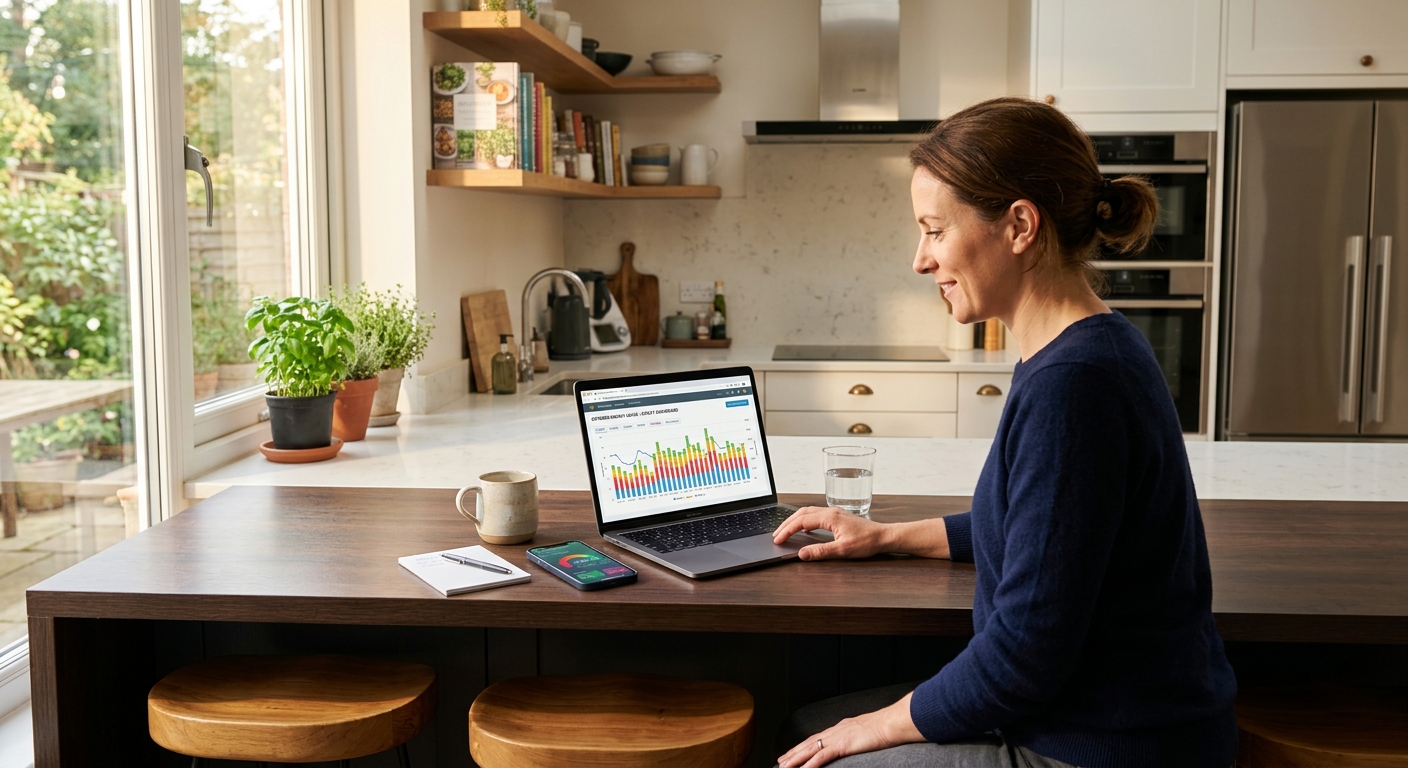
Your utility installed a smart meter on your home, handed you access to an online dashboard, and then… nothing. Most homeowners never log in. The ones who do usually check their total monthly usage, shrug, and close the tab. But buried in that granular interval data is a roadmap to real savings, specific to your home, your schedule, and your actual energy habits.
Smart meters record your electricity consumption in 15-minute or hourly intervals, 24 hours a day. That means a full month of data contains up to 2,880 individual readings. Those readings can show you exactly when your home is drawing the most power, how long your HVAC runs each day, whether something is on when nobody is home, and whether your baseline overnight load is quietly draining money every single night. The U.S. Department of Energy estimates that households waste 5 to 15% of their electricity on loads they are not even aware of.
This post will show you how to access your smart meter data, what the key patterns actually mean, and how to act on what you find. Whether you spend 20 minutes on a free utility dashboard or invest a few hours setting up a home energy monitor, the savings potential is real: most homeowners who engage with their interval data find at least one change worth $10 to $50 per month.
What You’ll Need
Click on an item below to shop for the recommended items for this recipe on Amazon.
As an Amazon Associate, we earn from qualifying purchases.
How to Do It
- Log into your utility’s online account portal. Look for tabs labeled ‘Usage’, ‘My Energy’, ‘Green Button’, or ‘Interval Data’. Most major utilities including Con Edison, PG&E, Eversource, and Xcel offer free dashboards with hourly or 15-minute data.
- Navigate to the hourly or interval view for the past 30 days. Identify your overnight minimum: the lowest hourly reading between 2 a.m. and 5 a.m. on a weeknight. This is your baseload. Write it down in kWh per hour.
- Compare your baseload against the efficiency benchmark. Under 0.5 kWh per hour is good. Between 0.5 and 0.8 kWh is average. Above 0.8 kWh per hour suggests significant phantom loads worth investigating.
- Look at your usage pattern on a typical hot weekday. Find the hours when usage spikes highest. If your peak is in the afternoon or early evening, check whether you are on a time-of-use rate that charges more during those hours. Call your utility to ask about TOU plan options.
- Check for any usage events on days when nobody was home. Unusual spikes on vacation days or during work hours often reveal a water heater, dehumidifier, or pool pump running longer than expected.
- Download your raw interval data using the Green Button Download option if available. Save it as a CSV file. You can open it in a spreadsheet to sort by highest usage hours and calculate your average daily HVAC contribution by subtracting your overnight baseload from your daytime peak average.
- Purchase a whole-home energy monitor. The Emporia Vue 2 (around $150) is a solid entry point. The Sense Home Energy Monitor (around $300) uses machine learning to identify individual appliances. Both connect to your home Wi-Fi and provide a smartphone app.
- Turn off your main breaker before opening your electrical panel. If you are not comfortable working inside a panel, hire an electrician for the installation portion. The monitors themselves use current transformer (CT) clamps that clip around wires without cutting them, but the panel interior carries live voltage even when the main breaker is off.
- Install the CT clamps around the two main service entrance legs inside your panel according to the manufacturer’s instructions. Plug the monitor’s power supply into a nearby outlet or connect it to a dedicated breaker. For circuit-level monitoring, add individual CT clamps to your largest loads such as the AC, electric water heater, dryer, and EV charger.
- Connect the monitor to your Wi-Fi network through the companion app. Allow 24 to 48 hours of data to accumulate before drawing conclusions. The Sense monitor specifically needs 2 to 4 weeks to begin identifying individual appliances through its load disaggregation algorithm.
- Review the real-time dashboard to confirm your overnight baseload reading matches what your utility data showed. Then investigate any circuit that surprises you. A water heater pulling 4,500 watts for 3 hours per day costs about $74 per month at $0.15 per kWh. Compare that against a heat pump water heater that does the same job for $18 to $25 per month.
- Set up usage alerts in the app. Most monitors let you receive a notification if daily usage exceeds a threshold you define. Set it to 10% above your current average so you catch equipment failures or unusual events quickly rather than discovering them on next month’s bill.
- Request your last 12 months of interval data from your utility using the Green Button Connect option or by calling customer service. Export it to a spreadsheet. Calculate your average daily kWh for each month to establish your seasonal baseline before the auditor arrives.
- Book a certified home energy auditor through your utility program, your state energy office, or the Building Performance Institute (BPI) contractor directory at bpi.org. Provide the auditor with your interval data summary before the visit so they can focus their testing on the highest-consumption periods.
- During the audit, the auditor will use a blower door test to measure air leakage, a thermal camera to spot insulation gaps, and combustion safety tests if you have gas appliances. Ask them to correlate their findings specifically with the usage spikes you identified in your interval data.
- After the audit, compare the auditor’s recommendations against your interval data. Prioritize upgrades that address your top consumption categories. If your data shows 60% of your electricity goes to heating and cooling, insulation and air sealing will outperform any appliance upgrade in terms of payback speed.
- Re-examine your interval data 30 and 90 days after implementing recommended changes. Measure the actual kWh reduction against the auditor’s projected savings. This comparison confirms whether the work was done correctly and gives you real payback period numbers based on your actual rates.
Why It Works: The Benefits
Overnight baseload analysis from smart meter data routinely reveals 200 to 600 watts of unnecessary standby consumption. Eliminating just 300 watts of phantom load saves roughly $32 per month at the national average electricity rate of $0.15 per kWh.
An AC system running 18 or more hours per day in moderate weather is a red flag visible in interval data. Catching a refrigerant leak, dirty coil, or failed capacitor early through data analysis can prevent a full system failure and reduce cooling bills by 15 to 25% once repaired.
Households on TOU rates who shift dishwashing, laundry, and EV charging to off-peak hours typically save $150 to $400 per year without changing how much energy they use, only when they use it.
A refrigerator with a failing door seal, a water heater with a broken thermostat, or an electric furnace with a stuck element will all spike your daily usage in ways that are invisible on a monthly bill but obvious in 15-minute interval data. Catching these early can save the cost of a full appliance replacement.
When you know your actual daily HVAC energy draw from interval data, you can calculate a real payback period for insulation, a heat pump, or a programmable thermostat, instead of relying on generic industry estimates that may not match your home.
💰 Savings Impact by Action
Identifying and unplugging or smart-switching standby devices typically cuts 5 to 10% of total electricity use based on Lawrence Berkeley National Laboratory standby power research.
Moving laundry, dishwashing, and EV charging to off-peak hours on a time-of-use rate plan reduces the effective cost of those loads by up to 50%, translating to 10 to 15% savings on the total bill for active shifters.
Identifying and repairing a degraded HVAC system (low refrigerant, dirty coil, or failed capacitor) detected through interval data anomalies can restore 15 to 25% in lost cooling efficiency.
Households that actively monitor their energy dashboards reduce consumption by an average of 8% through awareness-driven behavior changes, according to multiple utility demand response studies.
Catching a malfunctioning water heater thermostat or failing refrigerator compressor through unusual interval data spikes can eliminate 10 to 20% of daily usage that was being wasted on a single broken appliance.
🏠 Key Concepts Explained
The Science Behind It
Smart meters communicate usage data to your utility using radio frequency signals on a mesh network, recording consumption in real time and transmitting it in batches. The meter measures current flow in your service entrance using current transformers and calculates true power in watt-hours. That precision is what makes interval data so much more useful than a monthly total: energy use is not linear, and averaging it over 30 days destroys the pattern information that reveals inefficiency.
The physics of residential energy use follows predictable patterns tied to thermal mass, appliance duty cycles, and occupancy behavior. An air conditioner compressor draws 3,000 to 5,000 watts when running but cycles on and off to maintain setpoint temperature. A well-insulated home with a properly sized AC might cycle 8 to 12 minutes on and 15 to 20 minutes off during a mild day. A poorly insulated home or an undersized system runs almost continuously, which shows up in interval data as a sustained plateau rather than a cycling sawtooth wave. Recognizing these signatures requires no engineering background, just familiarity with what a normal pattern looks like versus an abnormal one.
Phantom loads work differently. Devices in standby mode draw small but constant amounts of power, often 1 to 30 watts each, adding up across dozens of devices throughout a home. Because this draw is continuous and constant, it does not create spikes in interval data. Instead it raises the entire baseline floor. When your 3 a.m. reading is higher than your neighbor’s in a similarly sized home, the difference is usually explained by phantom loads, an always-on dehumidifier, a second refrigerator in the garage, or a hot tub maintaining temperature overnight. Interval data makes this structural waste visible in a way that monthly billing simply cannot.
Frequently Asked Questions
▼ I logged into my utility account but I cannot find interval or hourly data. Where is it?
Look for a section called ‘My Usage’, ‘Energy Use Details’, ‘Green Button’, or ‘Usage Analysis’ rather than the billing summary page. If you cannot find it, call your utility and specifically ask whether your meter is a smart meter and whether interval data is available to customers. Some utilities require you to opt in or submit a data request before the dashboard is activated for your account.
▼ My overnight baseload seems high but I cannot figure out what is causing it. What should I check first?
Start with the four most common culprits in order: a second refrigerator or chest freezer in a garage or basement, a dehumidifier running continuously, an electric water heater with a stuck or malfunctioning thermostat, and a hot tub or pool pump running on an overnight schedule. Unplug each one for a single night and check whether your 3 a.m. reading drops. A $15 smart plug with energy monitoring on each suspect appliance will confirm exactly which device is responsible within minutes.
▼ How do I know if my HVAC inefficiency is an equipment problem or an insulation problem?
Look at your interval data on a day when the outdoor temperature was within 10 degrees of your indoor setpoint, meaning your AC should barely need to run. If your usage is still elevated on those mild days, the problem is likely equipment: a refrigerant leak, dirty coil, or failing capacitor. If usage is normal on mild days but spikes dramatically on hot days, the problem is almost certainly building envelope insulation or air sealing, because your equipment cannot keep up with the heat gain from outside. A blower door test by a certified energy auditor can confirm this.
▼ Will a whole-home energy monitor actually pay for itself or is it just a gadget?
It pays for itself if you act on what it tells you. Homeowners who install a monitor and actively engage with the data for at least 90 days typically reduce consumption by 10 to 15% according to multiple utility pilot studies. At an average U.S. electricity bill of $130 per month, that is $13 to $20 in monthly savings, meaning a $200 monitor pays back in roughly 10 to 15 months. If the monitor helps you catch a failing appliance or eliminate a significant phantom load, payback can happen in a single month.
▼ My utility does not seem to have a smart meter installed at my home. Can I still do any of this?
Yes, with a whole-home energy monitor installed in your panel you get all the same interval data independently of your utility meter. You can also use smart plugs with energy monitoring on individual circuits to build a picture of your consumption. Contact your utility to ask when smart meters are being rolled out in your area, as many utilities are completing installations through 2025 and 2026.
Quick Tips
- Compare the same week’s data from this year to last year. A higher baseline with no new appliances almost always points to HVAC degradation or a new phantom load.
- If your utility offers a time-of-use rate, run your interval data through their rate calculator before switching. Some households save money on TOU rates, and some pay more depending on their daily schedule.
- A smart plug with energy monitoring, such as the Kasa EP25 or TP-Link HS300, costs $15 to $30 and lets you verify which individual appliances are contributing most to your overnight baseload before investing in a whole-home monitor.
- Your smart meter data can also validate contractor claims. If an HVAC technician says your system is running at peak efficiency, your interval data should show shorter runtimes after their service visit. If it does not, ask why.
Variations for Your Situation
- Apartment/Rental: Renters often cannot access smart meter data directly since the account may be in the landlord’s name. Start by asking your landlord or property manager for access to the utility account’s energy dashboard, which many will share willingly. If refused, invest $15 to $30 in two or three smart plugs with energy monitoring (such as the Kasa EP25) on your highest-draw devices like window ACs, electric space heaters, and refrigerators. This gives you appliance-level data without any panel access or landlord approval.
- Tight Budget (under $50): Skip the energy monitor entirely and focus on free utility dashboard analysis. Log in, download your 12-month interval data as a CSV, and open it in Google Sheets. Sort by highest-usage hours and calculate your overnight baseload average. Then spend $15 to $25 on one smart plug with energy monitoring and rotate it among your top five suspect devices over two weeks. This zero-to-minimal-cost approach can identify enough waste to cut your bill by 8 to 15% with no further investment.
- Older Home (pre-1980): Homes built before 1980 typically have higher baseloads due to outdated appliances, minimal insulation, and significant air leakage. When reviewing your interval data, expect your overnight baseload to be higher than modern benchmarks and focus on the gap between your home and the 0.5 kWh-per-hour target rather than comparing yourself to newer construction. Prioritize using your data to identify the top two or three loads, then cross-reference with utility rebate programs for appliance replacement and weatherization, which often offer deeper incentives for homes with higher upgrade potential.