If you have ever installed a smart thermostat and then wondered why it keeps making the bedroom too warm at 2 a.m., you are not alone. Learning thermostats like the Nest, ecobee, and Honeywell Home models promise to figure out your schedule on their own, but the overnight period is where they most often get it wrong. Sleep is a long stretch of the day, usually 7 to 9 hours, so even a small mistake in setpoint adds up to real money and real discomfort.
The good news is that overnight temperature is also where the biggest savings live. The U.S. Department of Energy estimates that setting your thermostat back 7 to 10 degrees Fahrenheit for 8 hours a day can save up to 10% a year on heating and cooling. A smart thermostat automates that setback, but it needs good data about when you actually fall asleep, when you wake up, and what temperature lets you sleep soundly.
In this post, you will learn how these devices actually build your sleep schedule, a 10-minute quick fix to train yours faster, a more thorough DIY setup using occupancy sensors and manual schedules, and what to do when the learning goes sideways. Most of this works whether you own or rent, as long as your thermostat is already installed.
What You’ll Need
Click on an item below to shop for the recommended items for this recipe on Amazon.
As an Amazon Associate, we earn from qualifying purchases.
How to Do It
- Open the thermostat app and confirm that Auto-Schedule or Learning mode is turned on. Many devices ship with it enabled but get switched to Hold or Manual after a power outage or software update.
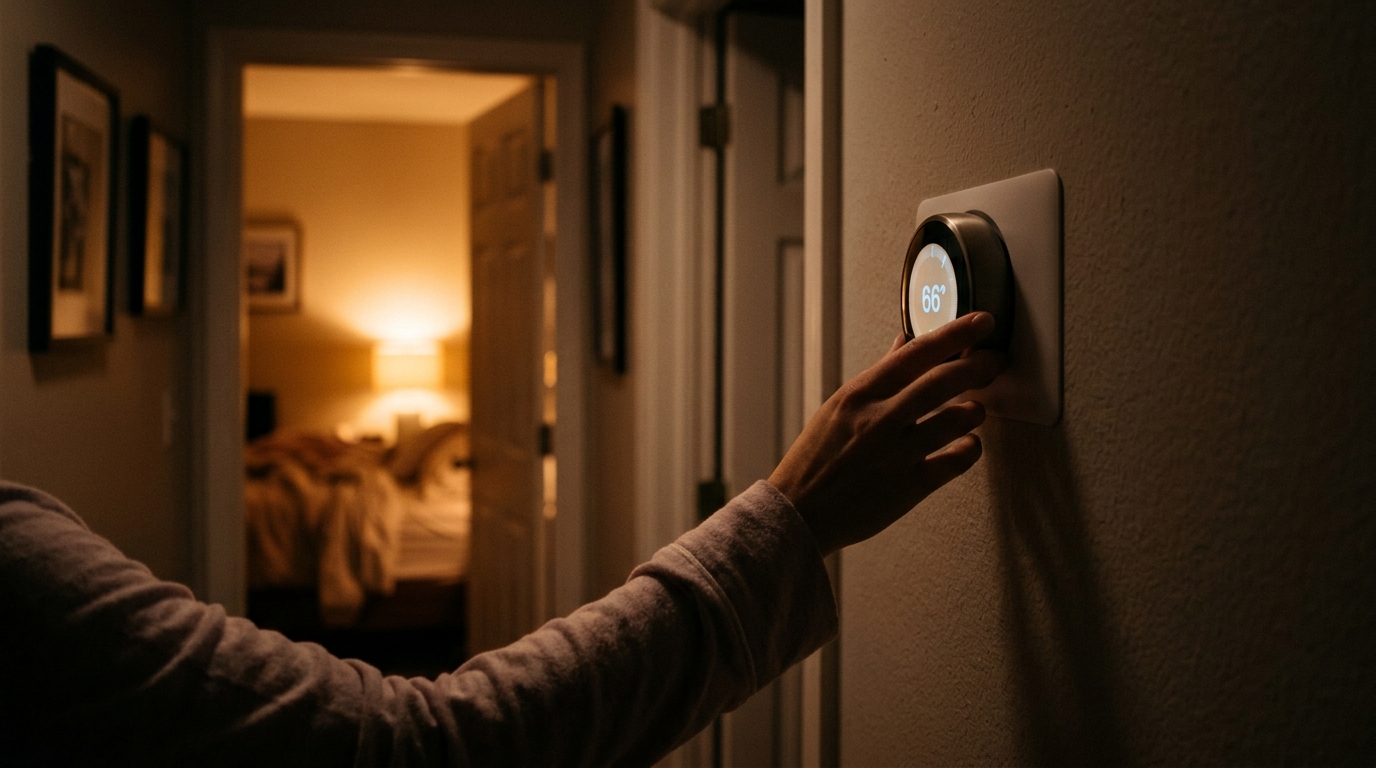
- For the next 5 to 7 nights, adjust the thermostat manually at the same time you go to bed. Set it to the temperature you want overnight, such as 66 degrees in winter or 74 in summer.
- Make the same manual adjustment each morning at the time you wake up. Consistency matters more than precision, because the algorithm looks for repeated patterns.
- Avoid random adjustments in the evening or during the day for the first week. Extra changes dilute the signal and can push the learned schedule in the wrong direction.
- After 7 days, open the app and review the generated schedule. Drag any sleep or wake times that look off by more than 30 minutes.
- Turn off learning mode and build a manual schedule first. Set a sleep period from about 10:30 p.m. to 6:00 a.m. with a 7 to 8 degree setback from your daytime setpoint in winter, or a 4 to 6 degree setup in summer.
- Place a remote room sensor in the bedroom on a nightstand or shelf at about chest height, away from windows, vents, and electronics. Thermostats like the ecobee SmartSensor and Nest Temperature Sensor work well for this.
- In the app, assign the bedroom sensor as the active sensor during your sleep schedule so the thermostat responds to the temperature where you are actually sleeping.
- Enable occupancy or follow-me features if available, so the system knows when the bedroom is occupied and can distinguish between sleeping and an empty room.
- Set your wake-up recovery to start 30 to 60 minutes before your alarm. For heat pumps, use the longer window and avoid deep setbacks over 5 degrees to prevent auxiliary heat from kicking in.
- After two weeks, re-enable learning mode on top of your manual schedule so the device can fine-tune the edges without overriding your core settings.
- Have an HVAC technician confirm that your thermostat has a proper C-wire (common wire) connection. A missing or weak C-wire causes power stealing issues that can reset schedules and disrupt learning.
- Ask the technician to verify the thermostat is configured correctly for your system type, such as conventional, heat pump with auxiliary heat, or two-stage equipment.
- Request that the technician set the heat pump or auxiliary heat lockout temperature so your system does not rely on expensive electric resistance heat during overnight recovery.
- Have the technician check the thermostat location. A unit placed in direct sun, near a kitchen, or on an exterior wall will give bad readings no matter how well it learns.
Why It Works: The Benefits
A properly trained schedule with an 8 hour overnight setback typically saves 8 to 15% on HVAC costs, or roughly $100 to $180 a year for a home spending $1,200 annually on climate control.
Sleep research generally points to a bedroom range of 60 to 67 degrees as ideal. A thermostat that holds this range consistently can reduce nighttime waking caused by overheating.
Once the schedule matches your habits, you stop making manual adjustments. Most users report touching the thermostat 70 to 80% less after the first month.
Fewer unnecessary cycles overnight means less wear on your furnace or air conditioner, which can help extend equipment life over the long term.
Smart pre-heating or pre-cooling lets the house reach your target temperature right as your alarm goes off, instead of running the system all night to hold it.
💰 Savings Impact by Action
An 8 hour setback of 7 to 10 degrees saves roughly 10% of annual heating and cooling costs, according to DOE estimates.
Aligning setbacks to actual sleep and wake times can recover another 3 to 5% that is lost when generic schedules run too long or too short.
Measuring temperature in the bedroom rather than the hallway prevents over-conditioning and can trim runtime by 2 to 4%.
Gradual pre-heating or pre-cooling avoids backup heat and short bursts, saving about 3% on heat pump systems.
🏠 Key Concepts Explained
The Science Behind It
A learning thermostat is essentially a pattern recognition tool. It logs every manual adjustment you make along with the time of day, day of week, and sometimes occupancy data from built-in motion sensors. After a few days of consistent inputs, it builds a probability model: if you lower the temperature to 66 degrees at around 10:45 p.m. on five out of seven nights, the algorithm treats that as a recurring preference and schedules it automatically.
The physics behind overnight savings comes from heat transfer. The rate at which your home loses heat to the outdoors is proportional to the temperature difference between inside and outside. When you lower your indoor temperature at night, that difference shrinks, so heat escapes more slowly and your furnace runs less. The same logic works in reverse during cooling season. This is why the DOE’s savings estimate of roughly 1% per degree of 8 hour setback holds across most climates and home types.
Recovery is the hidden variable. A conventional furnace can raise indoor temperature quickly, so deep setbacks pay off. Heat pumps are far more efficient at steady output, and pushing them hard to recover from a big setback can trigger backup resistance heat that costs two to three times as much per unit of heat. That is why a smart thermostat that learns your wake time and begins gentle recovery 45 to 60 minutes early often outperforms a simple timer for heat pump homes.
Frequently Asked Questions
▼ Why does my smart thermostat keep making the house too warm or cold overnight?
The most common cause is that the thermostat learned from inconsistent adjustments or detected motion that it interpreted as being awake. Open the app, review the generated schedule, and manually correct the sleep period. Then place the thermostat or a remote sensor away from hallways, kitchens, or direct sunlight.
▼ Can renters use a smart thermostat to save money overnight?
Yes, if your thermostat is already smart or you can swap it for a landlord-approved model, many are tool-free installs that take 20 minutes. If you cannot change the thermostat, use a plug-in smart thermostat for window AC units or space heaters, or ask your landlord about enabling the schedule features on the existing unit.
▼ How long before I notice savings on my bill?
You should see a measurable drop in the first full billing cycle after the schedule stabilizes, usually 3 to 5 weeks. Weather affects the comparison, so look at your thermostat’s runtime report or compare kilowatt-hours or therms against the same month last year for a fairer read.
▼ What if my home is older than 30 years?
Older homes often have leaky ducts and less insulation, so they lose or gain heat faster overnight. Use a smaller setback of 4 to 6 degrees to avoid long recovery times, and consider sealing air leaks and adding attic insulation to get the full benefit of overnight scheduling.
▼ Why does my heat pump run the expensive backup heat every morning?
That happens when the thermostat asks for a large temperature jump all at once. Reduce your overnight setback to 3 to 4 degrees, enable the thermostat’s heat pump or ‘Eco’ recovery setting, and consider asking an HVAC technician to adjust your auxiliary heat lockout temperature.
Quick Tips
- Give the thermostat at least 7 to 10 days of consistent behavior before judging its schedule. Early errors are normal.
- Set winter overnight temperatures between 62 and 66 degrees and summer overnight temperatures between 74 and 78 degrees for the best balance of comfort and savings.
- Use a heavier blanket or flannel sheets rather than raising the thermostat when you feel cold at night. This saves energy and keeps sleep temperature low.
- Check your thermostat’s energy history or monthly report in the app. Most models show how many hours the system ran overnight, which helps you verify the schedule is working.
Variations for Your Situation
- Apartment/Rental: If you cannot replace the thermostat, use a smart plug with a temperature sensor for a window AC or space heater, which costs $20 to $40 and can schedule overnight cycles. Many landlords also approve plug-and-play smart thermostats like the Nest or ecobee, and you can keep the original thermostat to reinstall when you move out.
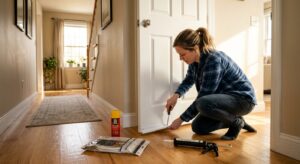
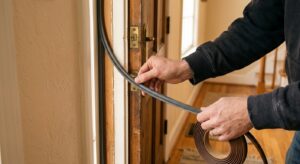
- Tight Budget (under $50): Skip the remote sensors and focus on a manual overnight schedule using your existing programmable thermostat. Set a 7 degree setback from 10:30 p.m. to 6 a.m. in winter, and add a $15 thick blanket and a draft stopper at the bedroom door to make the cooler temperature comfortable.
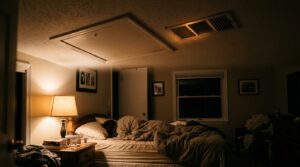
- Older Home (pre-1980): Use a modest 4 to 6 degree setback rather than the full 7 to 10, since drafty walls and limited insulation make recovery slower and more expensive. Prioritize sealing the bedroom windows and attic hatch for $30 to $80 in weatherstripping and caulk, which can improve overnight comfort more than any thermostat setting.
- Two Sleepers With Different Preferences: Use a remote room sensor on the warmer sleeper’s side, and rely on layered bedding or a dual-zone mattress pad for the other person. This keeps the thermostat at an efficient setpoint while still meeting both comfort needs.