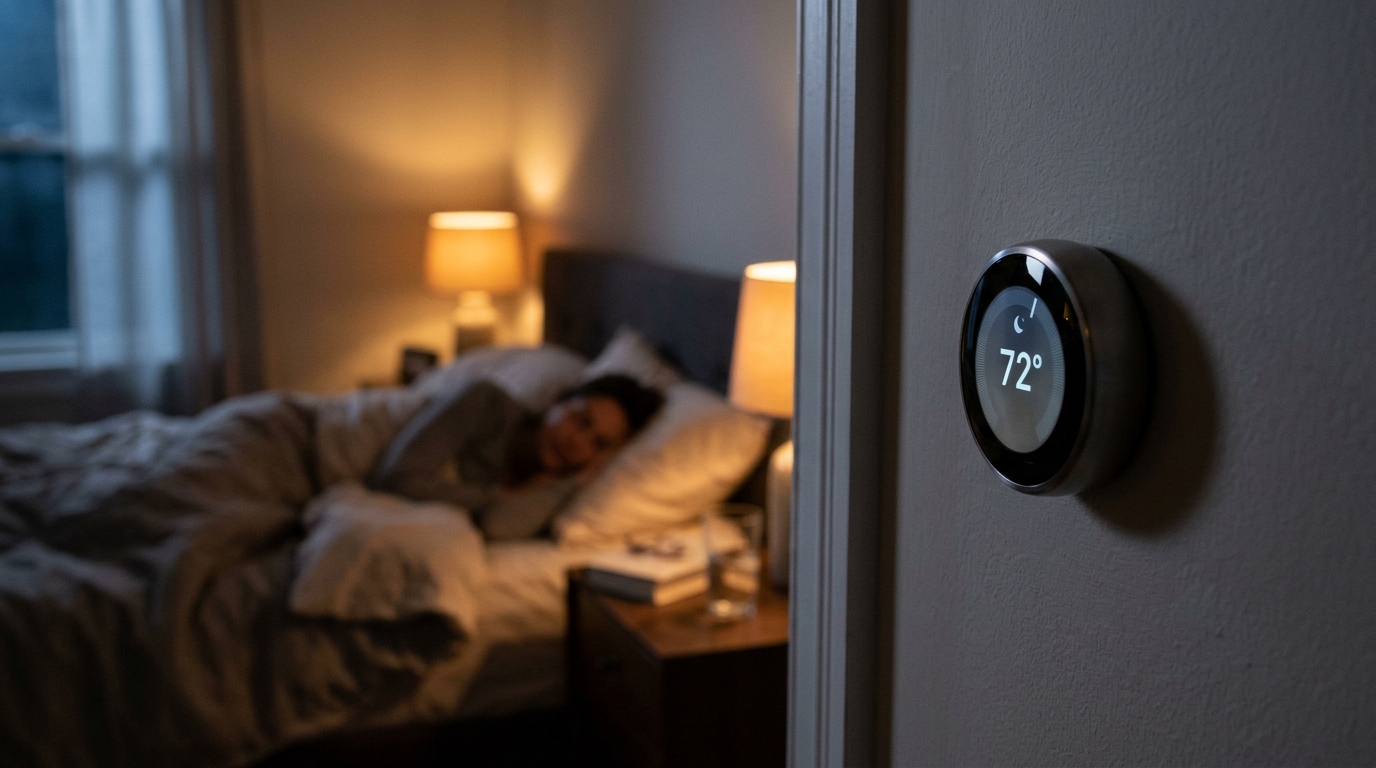
Think about how your cooling system runs overnight. For most homes, the thermostat sits at one temperature all night, even though your body actually sleeps best in a cooler room of around 65 to 68 degrees, and your house is losing heat to the cooler night air anyway. Meanwhile, during the workday, the AC may be holding your living room at 72 degrees for nobody. Manual thermostats rely on you to remember to adjust them, and most of us simply do not.
That is where learning mode comes in. Thermostats like the Nest Learning Thermostat, ecobee Smart Thermostat Premium, and Honeywell Home T9 can observe when you adjust the temperature, when you go to bed, and when you leave, then build a schedule that matches your actual life. The EPA’s ENERGY STAR program estimates that properly programmed thermostats save about 8% on heating and cooling costs, and field studies of learning thermostats have shown cooling savings in the range of 10 to 15%.
This post covers how learning mode actually works, how to set it up so it learns your sleep schedule quickly and accurately, and what to do if it learns the wrong habits. We will also walk through a faster manual approach if you do not want to wait a week or two for the algorithm to catch on.
What You’ll Need
Click on an item below to shop for the recommended items for this recipe on Amazon.
As an Amazon Associate, we earn from qualifying purchases.
How to Do It
- Confirm your HVAC system is compatible using the compatibility checker on the Nest, ecobee, or Honeywell website, and note whether you have a C-wire at your existing thermostat.
- Turn off power to your HVAC system at the breaker, photograph your existing wiring, and swap in the new thermostat following the labeled terminals.
- Complete the setup in the app, entering your home details and enabling learning mode, geofencing, and any available occupancy sensors.
- For the first 7 to 10 days, manually adjust the temperature as you normally would, including bedtime and wake-up changes, so the algorithm sees your real preferences.
- Set your bedtime adjustment to 66 to 68 degrees and your daytime away setting to 78 degrees for the first week to teach it energy-saving patterns.
- After two weeks, open the app, review the learned schedule, and delete any odd entries before they become habits.
- Install a smart thermostat that supports remote room sensors, such as the ecobee Smart Thermostat Premium or Nest with a Nest Temperature Sensor.
- Place one sensor in the bedroom, about 5 feet off the floor, away from windows, vents, and direct sunlight.
- Create a manual baseline schedule: 72 to 74 degrees while awake and home, 78 degrees when away, and 66 to 68 degrees starting 30 minutes before bedtime.
- Set the thermostat to follow the bedroom sensor overnight so it cools to the temperature where you actually sleep, not the hallway where the thermostat sits.
- Enable the thermostat’s pre-cooling or smart recovery feature so it begins cooling early enough to hit your target at wake-up instead of starting the moment the schedule changes.
- Review the monthly energy report after 30 days and nudge each setpoint 1 degree toward savings if comfort is not affected.
- Have an HVAC technician evaluate your equipment type, wiring, and whether a dedicated C-wire should be run.
- Ask the technician to configure advanced settings such as staging, compressor lockout temperature, and fan runtime for your specific system.
- If you have zoning, integrate the smart thermostat with each zone so your bedroom zone can follow a separate sleep schedule from living areas.
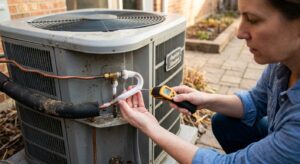
- Request a quick airflow and refrigerant check at the same visit, since a poorly performing AC will undermine any scheduling savings.
Why It Works: The Benefits
Field data from Nest and ecobee studies shows average cooling savings of 10 to 15%, which is roughly $20 to $60 per summer for a typical home spending $300 to $400 on cooling.
A schedule that pre-cools the bedroom and holds 65 to 68 degrees overnight supports deeper sleep without you touching the thermostat at midnight.
Once the algorithm has a few weeks of data, it adjusts itself for weekday versus weekend patterns, vacations, and seasonal shifts so you do not have to reprogram anything.
Smoother scheduling and fewer manual overrides mean less short-cycling, which can extend compressor life and delay costly repairs.
Most learning thermostats show monthly energy reports so you can see exactly how many hours your AC ran and spot problems like a failing unit or a drafty room.
💰 Savings Impact by Action
Pre-cooling before bed and allowing a gradual overnight drift reduces nighttime cooling energy by roughly 10%.
Raising the setpoint 6 to 8 degrees during work hours cuts heat gain and saves 8 to 12% on cooling.
Automatically adjusting when everyone leaves prevents wasted cooling on days your schedule changes.
Starting cooling at the optimal time avoids inefficient, high-demand runs and trims roughly 4% of cooling energy.
Cooling based on bedroom temperature instead of a hallway reading eliminates overcooling by about 6%.
🏠 Key Concepts Explained
The Science Behind It
Learning thermostats work by building a statistical model of your household. Each time you change the setpoint, the device records the time, day of week, outdoor temperature, and whether anyone is home. After enough repetitions, it identifies patterns and begins applying them automatically. Because cooling demand depends on both your schedule and the weather, the thermostat also tracks how fast your home gains or loses heat, a property engineers call the thermal time constant.
The energy savings come from simple heat transfer physics. The rate of heat flowing into your home through walls, windows, and the roof is proportional to the temperature difference between outdoors and indoors. If outdoor air is 95 degrees and you hold the inside at 72, that is a 23 degree difference. Raise the indoor setpoint to 78 while you are at work, and the difference drops to 17 degrees, cutting heat gain by roughly 26% during those hours. Less heat gain means the AC runs fewer minutes.
The sleep schedule component takes advantage of two facts. First, nighttime outdoor temperatures are typically 15 to 20 degrees lower than afternoon highs, so your house gains heat much more slowly after sunset and holding a slightly cooler setpoint costs less than it would during the day. Second, humans sleep better in cooler rooms, so you get comfort benefits while running the AC at its most efficient time of day. Pre-cooling before bed, then allowing a slight drift upward toward morning, captures both advantages.
Frequently Asked Questions
▼ Why is my smart thermostat learning the wrong schedule?
Learning mode copies whatever you do, including one-off changes like cranking the AC during a heat wave or a guest visit. Open the schedule in the app, delete the incorrect entries, then make a few clean manual adjustments at the right times. If it keeps drifting, switch to a manual schedule for a month and re-enable learning afterward.
▼ Can renters install a smart thermostat without landlord permission?
Often yes, since most installs are reversible and only involve low-voltage wiring, but check your lease first. Save your old thermostat and photograph the wiring so you can swap it back when you move out. If you cannot change the wall thermostat, use smart plugs with a window AC or portable unit, or a smart controller designed for mini-splits.
▼ How long before I actually notice savings on my bill?
Expect the algorithm to settle in after 1 to 2 weeks, but you will not see a clear bill difference until a full billing cycle has passed. Compare kilowatt-hours to the same month last year and adjust for weather, since a hotter summer can hide real savings. Most homeowners see a measurable drop of 8 to 15% by the second month.
▼ What if my home is older than 30 years?
Older homes often have leakier ducts and less insulation, so a thermostat alone will save less than in a tight, modern house. Combine the thermostat with air sealing and attic insulation to get the full benefit. Also verify that your old system is compatible, since some very old thermostats use line voltage wiring that most smart models do not support.
▼ Why does my AC run longer than before after I installed a smart thermostat?
Smart recovery and pre-cooling features can create longer, steadier run cycles, which is usually more efficient even though it looks different. If your bills are rising too, check that the setbacks are not too aggressive and that your AC is properly sized. A system that cannot recover quickly from a big setback may run nearly nonstop.
Quick Tips
- Place the thermostat or a remote sensor on an interior wall away from direct sunlight, kitchen heat, and supply vents, or the algorithm will learn from bad data.
- Turn on geofencing in the app so the thermostat can detect when everyone has left, even if your schedule changes that day.
- Pair learning mode with ceiling fans in the bedroom, since a 4 degree setpoint increase feels the same with moving air and saves about 8 to 12% on cooling.
- Check the learned schedule every few months and delete any strange entries, especially after vacations or schedule changes, so bad habits do not stick.
Variations for Your Situation
- Apartment/Rental: Choose a plug-and-play option like a smart plug with a window AC unit ($15 to $30) or a thermostat that supports renter-friendly installation. For mini-split systems, a Sensibo or Cielo smart controller ($70 to $120) adds scheduling without any wiring changes.
- Tight Budget (under $50): Skip the smart thermostat and manually set a programmable schedule if you already have one, or use a basic $25 to $40 programmable thermostat with a 4-period schedule. Set bedtime to 68, away to 78, and wake-up to 74 for most of the same savings.
- Older Home (pre-1980): Prioritize air sealing and attic insulation first, then add a smart thermostat. Older homes often lose 25 to 40% of conditioned air through leaks and ductwork, so scheduling alone will underperform until the envelope is improved.
- Hot Climate (Southwest/Gulf Coast): Use smaller setbacks of 3 to 4 degrees instead of 6 to 8, since deep setbacks in extreme heat can leave your AC running at full capacity for hours trying to recover.