Most smart and programmable thermostats ship with a ‘Sleep’ mode that promises easy savings. The idea sounds simple: let the house drift warmer overnight while you are under the covers, and the AC runs less. In winter, this logic works well. In summer, it is far more complicated, and a badly timed or oversized setback can actually erase your savings.
The problem is humidity, thermal mass, and recovery time. When your home warms up by 6 to 8 degrees overnight, the walls, furniture, and ceiling hold that heat. In the morning, your AC has to pull all of it back out, often running nonstop for an hour or more at peak efficiency loss. Meanwhile, rising indoor humidity can make 78 degrees feel like 82, which hurts sleep quality and encourages mold growth in humid climates.
This post breaks down why the default Sleep setting often backfires in cooling season, how to tune it in about 15 minutes, and when a more advanced approach with a smart thermostat or staged cooling makes sense. You will walk away with specific temperatures, timing, and expected savings for your climate.
What You’ll Need
Click on an item below to shop for the recommended items for this recipe on Amazon.
As an Amazon Associate, we earn from qualifying purchases.
How to Do It
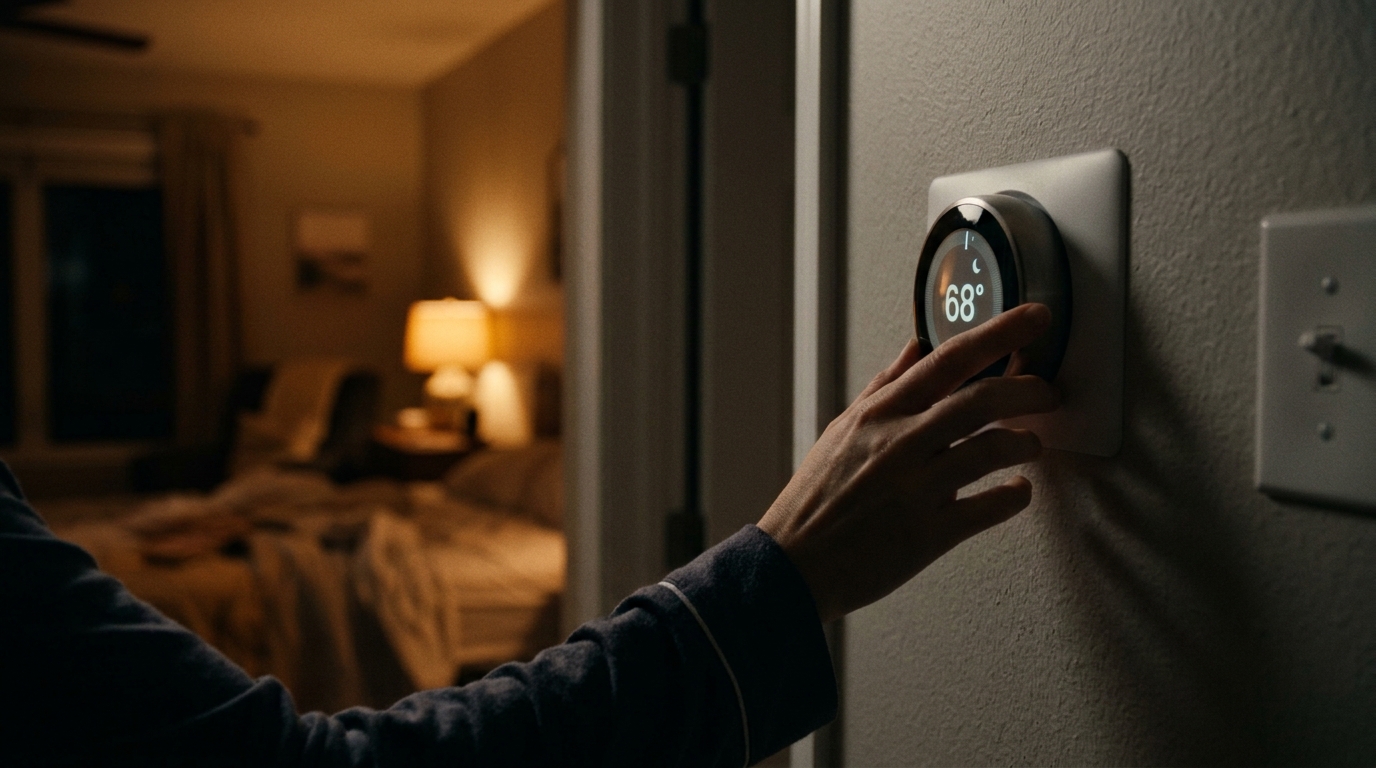
- Open your thermostat schedule and find the Sleep period, which is often set to 82 to 85 degrees in cooling mode.
- Change the Sleep setpoint to 78 to 80 degrees, no more than 4 degrees above your daytime comfort temperature of about 74 to 76.
- Start the Sleep period at bedtime, not at 8 p.m., so the AC is not idling while the house is still hot from the day.
- Schedule the Wake period to begin 30 minutes before you actually get up, rather than at your alarm time, to avoid a hard morning recovery.
- Track your indoor temperature and humidity for three nights, then nudge the setpoint 1 degree at a time until you find the comfortable sweet spot.
- Turn off power to the HVAC system at the breaker, then photograph the existing thermostat wiring before disconnecting anything.
- Remove the old thermostat, label each wire, and mount the new base plate level on the wall.
- Connect the wires to the matching terminals on the new thermostat. If you lack a C-wire, use the included power adapter kit.
- Restore power and complete the setup in the app, entering your home size, AC type, and ZIP code for adaptive scheduling.
- Enable features such as early-start or smart recovery so the thermostat learns how long your home needs to cool and begins gradually before you wake.
- Set a humidity limit of 50 to 55% if supported, and review the energy report after two weeks to refine your schedule.
- Request a Manual J load calculation from a licensed HVAC contractor to confirm your home’s actual cooling needs.
- Ask for quotes on a variable-speed or two-stage system paired with a compatible communicating thermostat.
- Discuss zoning dampers so bedrooms can be cooled independently at night while unused areas stay warmer.
- Have the installer verify ductwork leakage and airflow, since leaky ducts undermine any efficiency gains.
- Schedule a post-install commissioning check to confirm refrigerant charge, airflow, and thermostat staging.
Why It Works: The Benefits
A properly tuned overnight setpoint of 78 to 80 degrees (rather than 82 to 85) can still save 5 to 12% on cooling without a punishing morning recovery.
Research on sleep suggests the ideal bedroom temperature is roughly 65 to 72 degrees, so a modest setpoint paired with lower humidity beats a warm, sticky room.
Keeping indoor relative humidity under 55% helps prevent mold growth and keeps the home feeling cooler at the same temperature.
Avoiding long, high-load recovery runs reduces compressor wear and can extend AC lifespan by reducing stress cycles.
Gradual pre-cooling spreads your electricity use out, which matters if you pay demand charges or time-of-use rates.
💰 Savings Impact by Action
Limiting overnight drift to 3 to 4 degrees avoids long recovery runs and preserves roughly 8% cooling savings.
A fan lets you raise the setpoint about 4 degrees, which saves roughly 3 to 5% per degree on cooling.
Adaptive early-start scheduling spreads cooling out and can trim 10% off a typical summer bill.
Blocking solar heat gain on east and west windows can reduce cooling needs by up to 12 to 15%.
Sealing leaky ducts can recover 10 to 20% of conditioned air that is otherwise lost to attics and crawlspaces.
🏠 Key Concepts Explained
The Science Behind It
Setbacks save energy because heat flows faster when the temperature difference between indoors and outdoors is larger. Keeping your home warmer at night should, in theory, reduce the heat flowing in through walls, windows, and the attic. In winter, that works well because heating equipment can recover quickly. In summer, the gain is smaller because the temperature gap across the building envelope is already modest at night.
The catch is that your AC does not just cool air. It removes moisture and pulls heat out of the building materials themselves. When you allow the house to warm by 6 or more degrees, the structure absorbs that heat. The morning recovery run then has to remove both the air heat and the stored thermal mass heat, often at the hottest and most expensive time of day.
Humidity compounds the issue. Warm indoor air holds more moisture, and without the AC running, relative humidity can climb into the 60 to 70% range. Humid air feels warmer, so occupants are tempted to set the thermostat even lower in the morning, which further increases energy use. A moderate setback of 3 to 4 degrees balances real savings against recovery cost and comfort.
Frequently Asked Questions
▼ Why is my AC still running all day even after I tried these fixes?
Constant running often points to an equipment or envelope problem rather than a scheduling one. Check that your filter is clean, the outdoor coil is free of debris, and your attic has at least R-38 insulation. If the AC cannot reduce indoor temperature by about 15 to 20 degrees below outdoor temperature, call an HVAC technician to check refrigerant charge and airflow.
▼ Can renters do this without landlord permission?
Yes. Adjusting the schedule on an existing programmable thermostat is a settings change, not a modification. If you want a smart thermostat, ask your landlord first or choose a plug-in option such as a smart window AC controller or smart plug, which requires no wiring.
▼ How long before I actually notice savings on my bill?
You will typically see the effect within one full billing cycle, though weather differences can mask the change. Compare kWh usage to the same month last year, adjusting for cooling degree days, or use your thermostat’s built-in energy report for a cleaner comparison.
▼ What if my home is older than 30 years?
Older homes often have leakier ducts and less insulation, which means more heat gain and slower recovery. Keep your setback small, around 2 to 3 degrees, and prioritize air sealing and attic insulation, which can cut cooling loads by 15 to 25% before you touch the thermostat.
▼ Should I just leave the AC at one temperature all night?
In humid climates or with a single-stage system, a steady setpoint of 76 to 78 degrees is often the best choice. It avoids long recovery runs and keeps humidity in check, and the difference in savings compared to a deep setback is usually small.
Quick Tips
- Use a ceiling fan on low in occupied bedrooms so you can set the thermostat 3 to 4 degrees higher without feeling warmer.
- Close blinds and curtains on east and west windows before bed to cut solar heat gain during morning recovery.
- Check your filter monthly in summer, since a clogged filter can reduce airflow by 15% or more and make recovery even slower.
- If you have time-of-use rates, schedule your wake-up cooling before the peak rate window begins, not during it.
Variations for Your Situation
- Apartment/Rental: Keep your existing thermostat and simply reduce the Sleep setback to 3 to 4 degrees above your daytime setting. Add a $25 to $40 tower or box fan and blackout curtains for another few degrees of perceived cooling. If you use a window AC, a $15 to $30 smart plug with a timer can mimic a basic schedule.
- Tight Budget (under $50): Set a steady overnight temperature of 78 degrees, close curtains on sun-facing windows, and run a ceiling or box fan. Replace a dirty filter for $5 to $15, and seal obvious door gaps with $10 of weatherstripping.
- Older Home (pre-1980): Limit overnight setbacks to 2 to 3 degrees because leaky ducts and thin insulation make recovery slow. Invest first in attic insulation to R-38 and duct sealing with mastic, which can deliver bigger savings than any thermostat schedule.
- Humid Climate (Gulf Coast, Southeast): Do not use a large setback. Hold a steady 76 to 78 degrees and enable dehumidification mode or a humidity setpoint of 50 to 55% if your thermostat supports it.