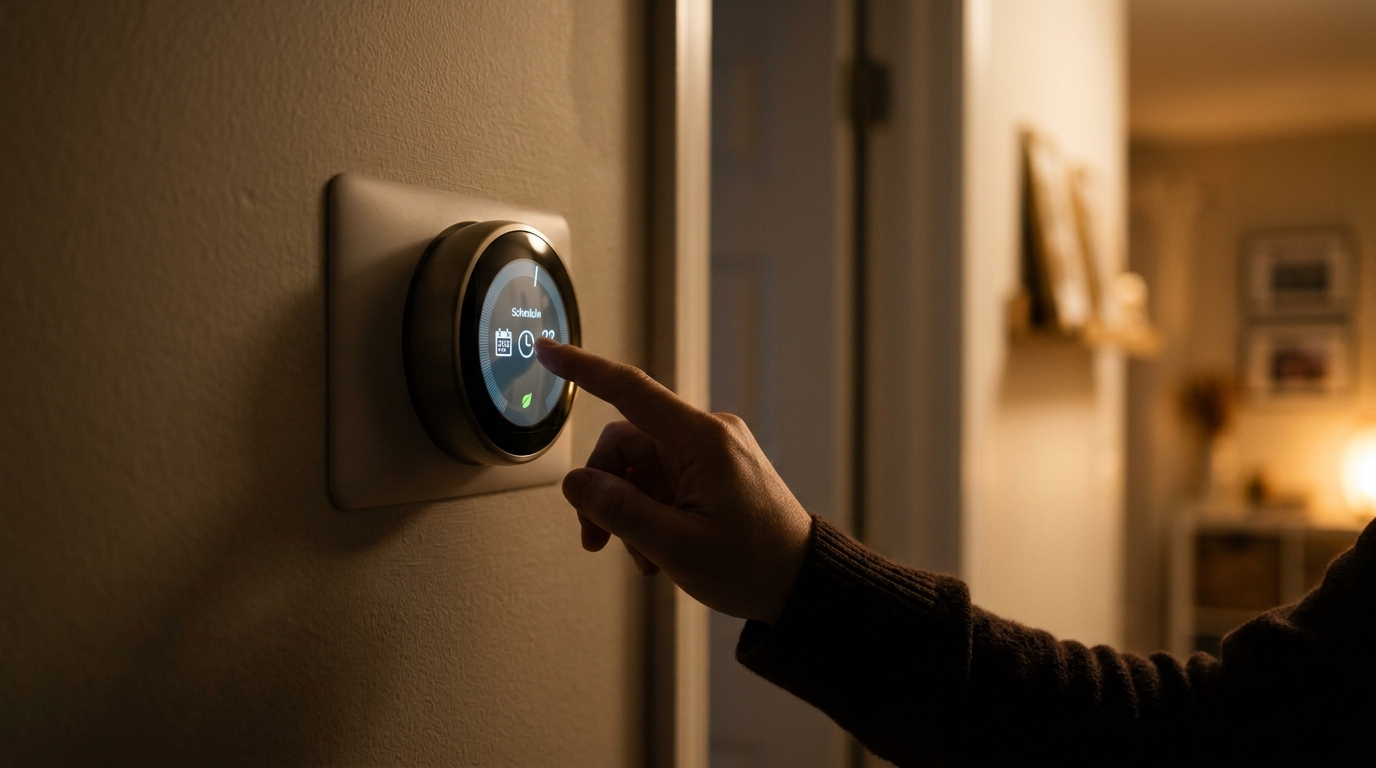
Here is a common story. You buy a smart thermostat, pop it on the wall, connect it to your Wi-Fi, and feel pretty good about the upgrade. Then you use it exactly like your old thermostat: you walk up and nudge the temperature when you feel too hot or too cold. The device is smart, but you are not using any of that intelligence.
The feature most homeowners skip is the combination of geofencing (also called Home/Away assist) and a properly built schedule with setbacks. Geofencing uses the location of your phone to know when everyone has left the house and when someone is heading back. Combined with a schedule, it lets your system stop heating or cooling an empty home without you lifting a finger. The U.S. Department of Energy estimates that turning your thermostat back 7 to 10 degrees for 8 hours a day can save up to 10% a year on heating and cooling.
In this post, we will walk through why this feature matters, how to set it up in about 15 minutes, how to go deeper with a full DIY tune-up, and what to do when things do not work the way you expect. No special skills required, just your phone and a little patience.
What You’ll Need
Click on an item below to shop for the recommended items for this recipe on Amazon.
As an Amazon Associate, we earn from qualifying purchases.
How to Do It
- Open your thermostat app and look in Settings for terms like Home/Away Assist, Geofencing, Smart Away, or Auto-Away.
- Enable location permissions for the app on your phone. Choose Always Allow so the app can detect when you leave and return, even in the background.
- Add every household member’s phone to the home so the thermostat only switches to Away when everyone has left.
- Set your Away temperature. A good starting point is 62 to 65 degrees F in winter and 80 to 85 degrees F in summer.
- Set your comfort radius. Choose a distance of about 1 to 3 miles so the system has time to recover before you arrive.
- Test it for a week. Check the app history to confirm it switched to Away when you left and returned to Home as you approached.
- Map your week. Write down when people typically wake, leave, return, and sleep on weekdays and weekends.
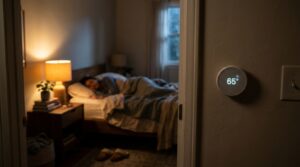
- Build a schedule with four to six periods: Wake, Away, Home, and Sleep. Set the Sleep setback 3 to 5 degrees below your comfort temperature in winter, and 3 to 4 degrees above in summer.
- Turn on Smart Recovery, Early-On, or Adaptive Recovery so the thermostat starts conditioning ahead of your scheduled comfort time.
- Check auxiliary or emergency heat settings if you have a heat pump. Set a lockout based on outdoor temperature (often 30 to 35 degrees F) so electric strip heat does not run unnecessarily.
- If your thermostat supports room sensors, place one in a bedroom or the room you use most, and set it to follow the occupied room during sleep or home hours.
- Review the energy history after two weeks. Look for days with unusually long runtimes and adjust setbacks or comfort temperatures accordingly.
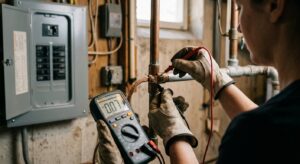
- Schedule an HVAC technician to verify your thermostat wiring, including the C-wire (common wire), is correct and stable.
- Ask the technician to confirm your system type and stage settings are properly configured in the thermostat’s installer menu.
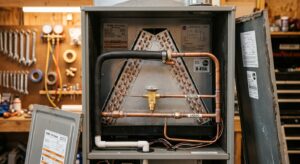
- Have them check airflow, filter condition, and refrigerant or burner performance so setbacks translate into real savings.
- Request optimal heat pump lockout and balance-point settings for your climate so auxiliary heat is used sparingly.
- Ask about zoning or additional sensors if some rooms are consistently warmer or cooler than others.
Why It Works: The Benefits
The DOE estimates about 1% savings per degree of setback over 8 hours, which commonly adds up to 10% or more annually for homes with a consistent schedule.
Once geofencing and schedules are set, the thermostat handles the work. You capture savings on the days you forget, run late, or leave on a spontaneous errand.
Pre-arrival conditioning means you walk into a comfortable home rather than waiting for the system to catch up. Most systems can heat or cool within 1 to 2 hours of preparation.
Fewer unnecessary run hours means longer equipment life. Reducing runtime by 10% can help delay repair costs and replacement.
Most apps show monthly runtime data, so you can see exactly how much your system worked and spot problems like short cycling or an overworked unit.
💰 Savings Impact by Action
Setting back 7 to 10 degrees for 8 hours daily saves roughly 10% on annual heating and cooling per DOE estimates.
Automatically switching to Away mode captures savings on unplanned absences that a fixed schedule would miss.
A 3 to 5 degree nighttime adjustment reduces system runtime while you are under blankets or at your coolest tolerance.
Adaptive start times prevent overshooting the target and avoid wasteful auxiliary heat on heat pump systems.
🏠 Key Concepts Explained
The Science Behind It
Heat always flows from warmer areas to cooler ones, and the rate depends on the temperature difference. When you set your thermostat back while no one is home, you reduce the gap between indoor and outdoor air. A smaller gap means slower heat loss in winter and slower heat gain in summer, so your system runs less. That is why the savings come mostly from the hours the house sits at a more relaxed temperature, not from the moment of recovery.
A common myth is that your system uses more energy to bring a house back to temperature than it saves by letting it drift. In reality, the energy needed to recover is far less than the energy lost by holding the house at full comfort the entire time. Studies by the DOE and ENERGY STAR consistently show net savings from setbacks, as long as the setback lasts several hours.
Geofencing adds precision. Instead of guessing your schedule, the thermostat responds to real behavior. Paired with adaptive recovery, it starts conditioning early enough to hit your target temperature as you walk in. The result is the same comfort with fewer system run hours, which is exactly what lowers your bill.
Frequently Asked Questions
▼ Why is my AC still running all day even after I set up Away mode?
First confirm Away mode is actually activating by checking the app history. If it is, your Away temperature may still be too low for summer, so try 80 to 85 degrees F. If it runs constantly even at that setting, check for a dirty filter, a leaky duct, or an undersized system, and consider an HVAC inspection.
▼ Can renters do this without landlord permission?
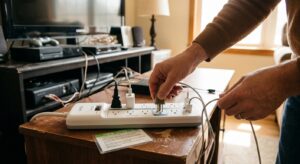
Often yes, if your home has a standard low-voltage thermostat, but check your lease first. Many renters install a smart thermostat, save the original, and swap it back when they move out. If you cannot replace the thermostat, you can still use a smart plug with a window AC or portable heater to schedule it from an app.
▼ How long before I actually notice savings on my bill?
You will likely see changes in the app’s runtime report within one to two weeks. On your utility bill, give it a full billing cycle and compare to the same month last year, since weather affects results. Many households see 8 to 15% less heating and cooling energy use.
▼ What if my home is older than 30 years?
Older homes can still benefit, but setbacks may feel less comfortable if insulation and air sealing are weak, since the house loses heat faster. Use more moderate setbacks of 3 to 5 degrees and consider sealing air leaks and adding attic insulation to boost the results of your thermostat settings.
▼ Why does my thermostat say Away when I am home?
This usually means one household member’s phone is not included in geofencing, or location permission is set to While Using instead of Always. Add everyone’s phone to the home and double check location settings on each device.
Quick Tips
- Start with modest setbacks of 4 to 6 degrees, then widen them gradually once you are happy with comfort.
- Check geofencing after phone or OS updates, since location permissions sometimes reset to While Using.
- Use a different schedule for weekends if your routine changes, or rely on geofencing alone for flexible days.
- Replace your HVAC air filter every 1 to 3 months so recovery time stays short and the system does not strain.
Variations for Your Situation
- Apartment/Rental: Replace only the thermostat if your lease allows it and you have a basic wired system, which typically costs $80 to $200. If not, use a smart plug ($15 to $25) for a window AC or space heater, and schedule it through the plug’s app.
- Tight Budget (under $50): Skip new hardware. If you already have a Wi-Fi thermostat, simply turn on geofencing and set a modest Away setback. If you have a basic programmable thermostat, use its schedule feature for weekday setbacks, which costs nothing and still delivers real savings.
- Older Home (pre-1980): Use smaller setbacks of 3 to 5 degrees, since leaky walls and older windows make recovery slower. Pair your thermostat settings with weatherstripping ($10 to $30) and caulk to improve the payoff.
- Heat Pump Home: Enable adaptive recovery, set an auxiliary heat lockout temperature, and limit winter setbacks to about 3 to 4 degrees to avoid triggering expensive electric backup heat.