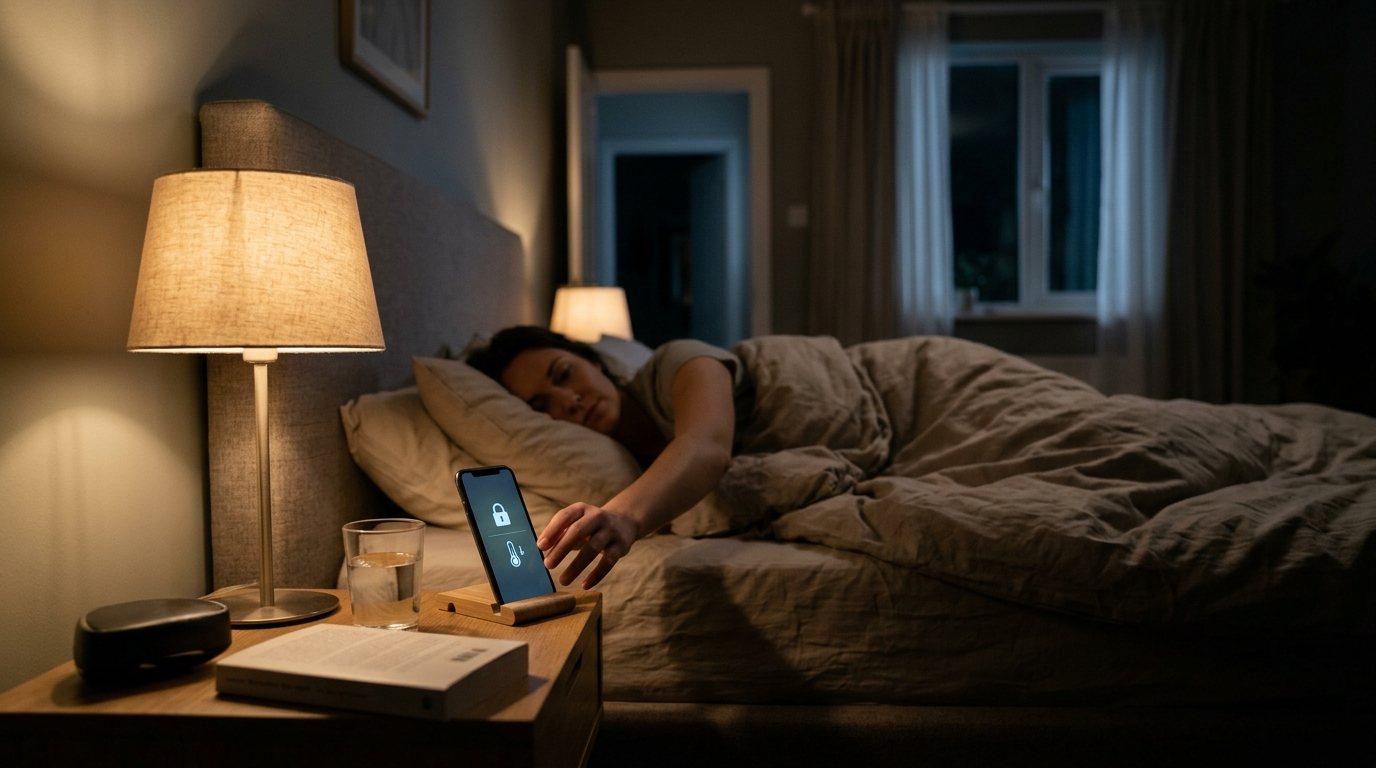
Every night, the same small chores repeat: check the front door lock, shuffle to the thermostat, nudge the temperature down, turn off a few lights. Skip the thermostat step and you are heating or cooling a house full of sleeping people at daytime comfort levels. The U.S. Department of Energy estimates that setting your thermostat back 7 to 10 degrees for 8 hours a day can save up to 10% a year on heating and cooling. The catch is that the savings only show up if you do it consistently, and manual habits rarely stay consistent.
A smart home hub solves the consistency problem by tying several devices to one trigger. Say a phrase, tap a button, or let a schedule fire at 10:30 PM, and the hub locks your smart deadbolt, confirms the doors are secure, and shifts your thermostat to its sleep setpoint. One action, two payoffs: security peace of mind and lower energy bills.
This post walks through two ways to build this routine: a fast, low-cost setup using a voice assistant or phone app you may already own, and a more robust DIY setup using a dedicated hub with local control and conditional logic. We will cover real costs, realistic savings, and the sleep temperature settings that actually keep you comfortable.
What You’ll Need
Click on an item below to shop for the recommended items for this recipe on Amazon.
As an Amazon Associate, we earn from qualifying purchases.
How to Do It
- Open your assistant app (Alexa, Google Home, or Apple Home) and confirm both your smart lock and smart thermostat are listed as connected devices.
- Create a new routine and name it something simple like ‘Goodnight’. Set the trigger to a voice phrase, a scheduled time such as 10:30 PM, or both.
- Add the first action: lock your front and back door smart locks. Add a second action: set the thermostat to your sleep temperature, such as 66 degrees F in winter or 78 degrees F in summer.
- Add optional extras like turning off living room lights and arming a camera or alarm, then save the routine.
- Test it once while standing near the door and the thermostat so you can confirm the lock throws the bolt and the thermostat display changes.
- Choose a hub that supports the radio protocols your devices use. Check whether your lock and thermostat use Z-Wave, Zigbee, Thread, or Wi-Fi before buying anything.
- Pair your smart lock and thermostat to the hub following the manufacturer’s inclusion steps, and give each device a clear name like ‘Front Door Lock’ and ‘Main Thermostat’.
- Build an automation with a time trigger around 10:30 PM and a condition that someone is home. Add actions to lock both doors and set the thermostat to a sleep setpoint.
- Add a verification step: if either lock reports unlocked or jammed after 60 seconds, send a push notification to your phone instead of staying silent.
- Create a matching morning automation that starts raising the thermostat 45 to 60 minutes before your wake time so the house is comfortable when you get up.
- Run the full routine manually twice, then let the schedule fire for a few nights and check the hub log to confirm every action completed.
Why It Works: The Benefits
A consistent 7 to 10 degree nightly setback saves roughly 8 to 12% on annual HVAC costs, which is $120 to $250 per year for a household spending $1,500 to $2,000 on climate control.
Cooler bedroom air in the 65 to 68 degree range is associated with easier sleep onset, and the automation holds it without you touching a dial.
Deadbolts lock on a schedule or a command, so you stop wondering whether you locked up after you are already in bed.
A single voice command or button press replaces walking to the door, the thermostat, and the light switches, saving a few minutes and a few steps every night.
A routine with lock verification can notify you if a door is open or a lock jammed, which a manual check would only catch if you remembered to look.
💰 Savings Impact by Action
Lowering the thermostat 7 to 10 degrees for 8 hours a night saves up to 10% a year on heating and cooling, per DOE guidance.
Automating the routine removes missed nights, which typically recovers a few extra points of savings compared with manual setbacks.
Starting recovery 45 to 60 minutes before waking avoids backup electric heat and trims wasted peak energy use.
Holding the bedroom at 65 to 68 degrees instead of 72 reduces the load by roughly 3 to 6% per degree in cold weather.
🏠 Key Concepts Explained
The Science Behind It
Heat moves from warm areas to cool ones at a rate proportional to the temperature difference. When your home is 70 degrees F and it is 30 degrees F outside, heat leaks out through walls, windows, and air gaps at a certain rate. Drop the indoor temperature to 62 degrees and the difference shrinks from 40 degrees to 32 degrees, which cuts the rate of heat loss by about 20%. Your furnace runs less, and the savings accumulate for every hour the setback is in effect.
A common worry is that the system has to work extra hard to recover, erasing the savings. In practice that is not the case for most homes. The house loses heat more slowly at the lower setpoint, and the recovery energy is generally less than the energy saved while the house was cooler. The exception is heat pumps with auxiliary electric resistance heat, where an aggressive recovery can trip the expensive backup elements, which is why gradual, scheduled recovery matters.
The lock side of the automation adds no energy savings, but it adds reliability. Combining both actions under one trigger removes a decision from your evening, and the less a routine depends on remembering, the more likely it is to run every single night. Consistency is what converts a modest per-night saving into a meaningful annual one.
Frequently Asked Questions
▼ Why does my routine lock the door but not change the thermostat?
This usually means the two devices live on different platforms or one lost its connection. Open the thermostat in your app to confirm it responds to a manual change, then re-link it to your hub or assistant. If it still fails, check that the routine references the correct thermostat name and that the thermostat is in a mode like Heat or Cool rather than Off.
▼ Is it safe to automate my deadbolt, and what if the power or Wi-Fi goes out?
Most smart deadbolts run on batteries and keep working during outages, and they still operate with a key or keypad code. Replace batteries when the app warns you at 25 to 30% so a dead lock does not trap you. Hubs with local control continue running routines even without internet.
▼ How long before I actually notice savings on my bill?
You should see a difference within one full billing cycle, though weather swings can mask it. Compare heating degree days or your usage in kWh or therms against the same month last year for a fair read. Most households land at 8 to 12% savings after a month or two of consistent use.
▼ Will a nightly setback make my heat pump work harder or cost more?
It can if the morning recovery triggers auxiliary electric heat. Limit the setback to 3 to 4 degrees, or use a thermostat with a smart recovery feature that starts warming early. Check your thermostat settings for an auxiliary heat lockout or limit.
▼ What if my existing lock and thermostat do not work with the same app?
That is common, and it is exactly what a dedicated hub is for. Hubs like Home Assistant or Hubitat can bridge Zigbee, Z-Wave, and Wi-Fi devices into one routine. Alternatively, check whether both devices support Matter, which is designed to work across platforms.
Quick Tips
- Start with a modest 4 to 5 degree nightly setback for a week, then widen it to 7 to 8 degrees once you know your comfort limit.
- Use a time trigger plus a presence condition so the routine does not fire if a guest is still up or someone is out late.
- Choose locks with a physical keyway or keypad backup so a dead battery never strands you outside.
- Review your hub’s activity log weekly for the first month to catch any nights where the lock or thermostat command silently failed.
Variations for Your Situation
- Apartment/Rental: Skip anything that replaces your deadbolt. Use a battery-powered retrofit lock like August or Wyze Lock that mounts over your existing deadbolt thumbturn without changing the exterior hardware, about $80 to $230. For temperature, a smart plug-controlled space heater or a smart window AC controller, around $15 to $30, or a drop-in thermostat if the landlord allows it, can handle the sleep temperature piece.
- Tight Budget (under $50): Skip the lock hardware and focus on the thermostat setback, which delivers the actual savings. A programmable thermostat runs about $25 to $40 and can run the same nightly schedule. Add a $15 to $20 smart plug and a voice assistant you already own to trigger a bedtime routine for lamps and a fan.
- Older Home (pre-1980): Older houses leak more air and often have less insulation, so a deep overnight setback in winter can leave rooms feeling noticeably cold. Limit the drop to 5 to 6 degrees, and run the morning recovery 60 to 90 minutes early. Verify your door frames are square before trusting a motorized deadbolt, since settled frames can prevent the bolt from fully engaging.
- Heat Pump Home: Keep the nightly setback to 3 to 4 degrees in winter to avoid triggering auxiliary electric heat. Use a thermostat with adaptive or smart recovery, and set an outdoor lockout temperature for the backup heat if your thermostat allows.